LG codes vary by air-conditioner type and model. Photograph the display or count the blinks, then match the result to your unit before restoring power.
Read the display · Code families · Safe checks · When to stop · FAQ · Sources
Symptoms: a code, indicator, or sudden stop
An LG air conditioner may show a CHxx code, blink an indicator, stop, or stop cooling. No display does not necessarily mean no code: some products signal through a repeating light pattern. Reading differs across wall-mounted, stand-type, and ceiling cassette units. Record every character and its sequence.
Quick diagnosis table
| Symptom/code | LG guidance on some product families | Next action |
|---|---|---|
| CH05 / CH53 / E0 | Indoor-to-outdoor communication issue on documented models | Record the code and contact the installer or LG; do not open either unit. |
| CH07 | Different operating modes between units on applicable 2-in-1 systems | Compare requested modes using that system's manual. |
| CH32 / CH33 / CH36 / CH38 / F4 | LG associates these groups with refrigerant conditions on some products | Stop and call a qualified technician; do not handle refrigerant. |
| CH66 / CH90 / CH91 / CH92 / CH93 | LG lists wiring, commissioning, or refrigerant-flow conditions for applicable ranges | Contact the installer, especially if it appeared after installation. |
| Blink pattern without a certain code | Display sequence depends on the unit type | Record several repeats and compare with the model-specific LG page. |
Why the exact air-conditioner reference matters
A code family does not guarantee identical troubleshooting for every unit. LG says codes and display methods depend on model and product type. A wall unit, ceiling cassette, and multi-split system may use different indicators, menus, or instructions. Confirm the code on the support page that matches the reference printed on your appliance.
Also note whether it appears at startup, during cooling, after a power interruption, or after maintenance. This timeline helps describe the issue; it does not prove that the preceding event caused the fault. If several indoor units share one system, record each reference without removing covers.
Do not replace a sensor or board from a generic code list alone. A check performed without the exact model can create an electrical hazard or add damage.
Read the code without guessing
On some LG wall-mounted and stand-type products, two indicators show units and tens by their blink counts. LG gives a repeated blink example that corresponds to CH05. Ceiling cassettes can use a different color or sequence. These examples show why the unit type matters; do not transfer a count from one system to another.
Safe checks
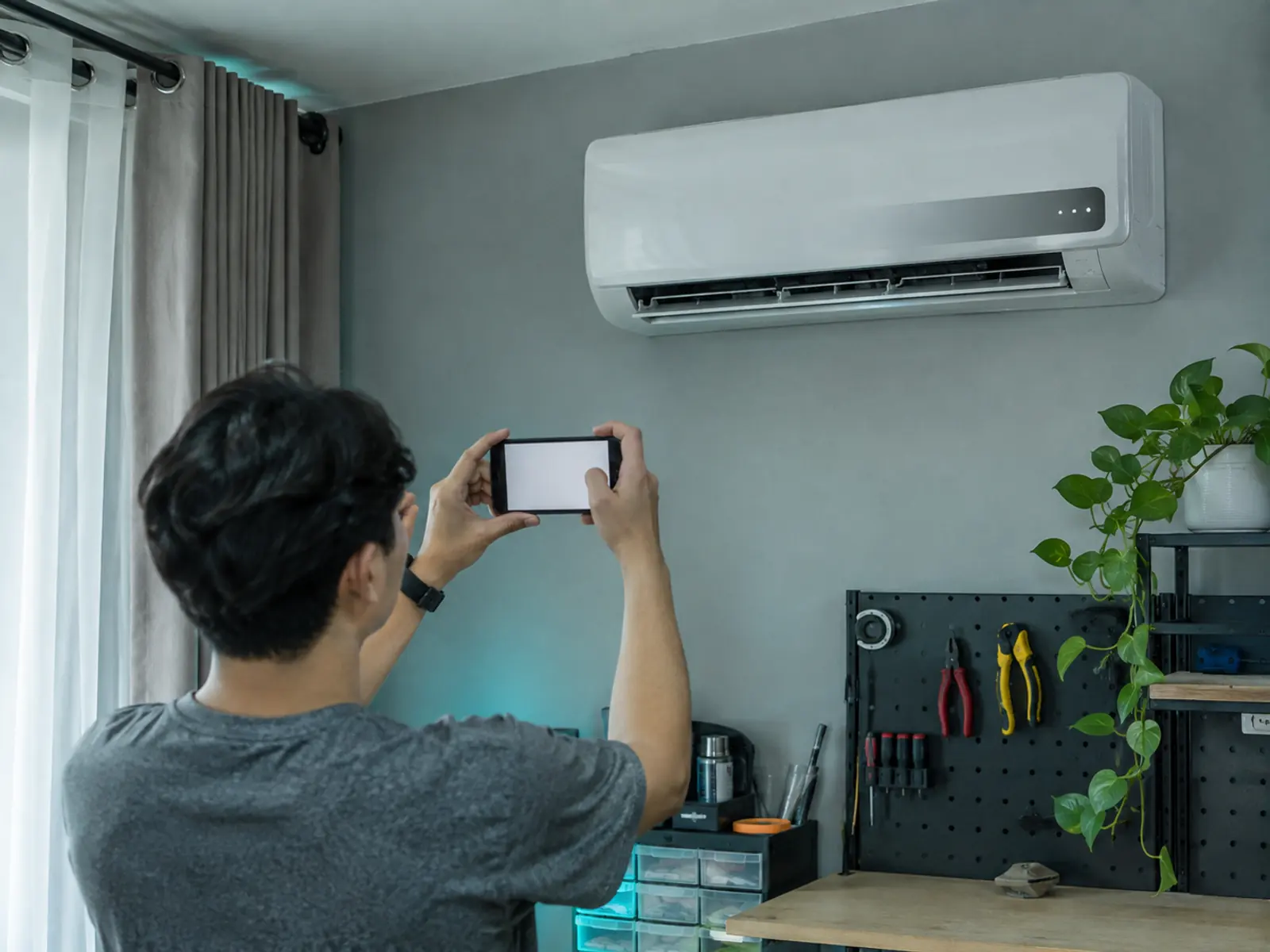
Photograph the code or record two complete light sequences. Note whether the unit is wall-mounted, stand-type, or cassette and whether the stop followed a recent installation.
Check: you have the full code and unit type. If it didn't work: send the video to LG Support without opening a cover.
Record the full model numbers of the affected units. Read a label only if safely reachable without an unstable ladder or disassembly. Code meanings and reading methods vary by model.
Check: the support page matches the exact reference. If it didn't work: ask the installer to identify the units.
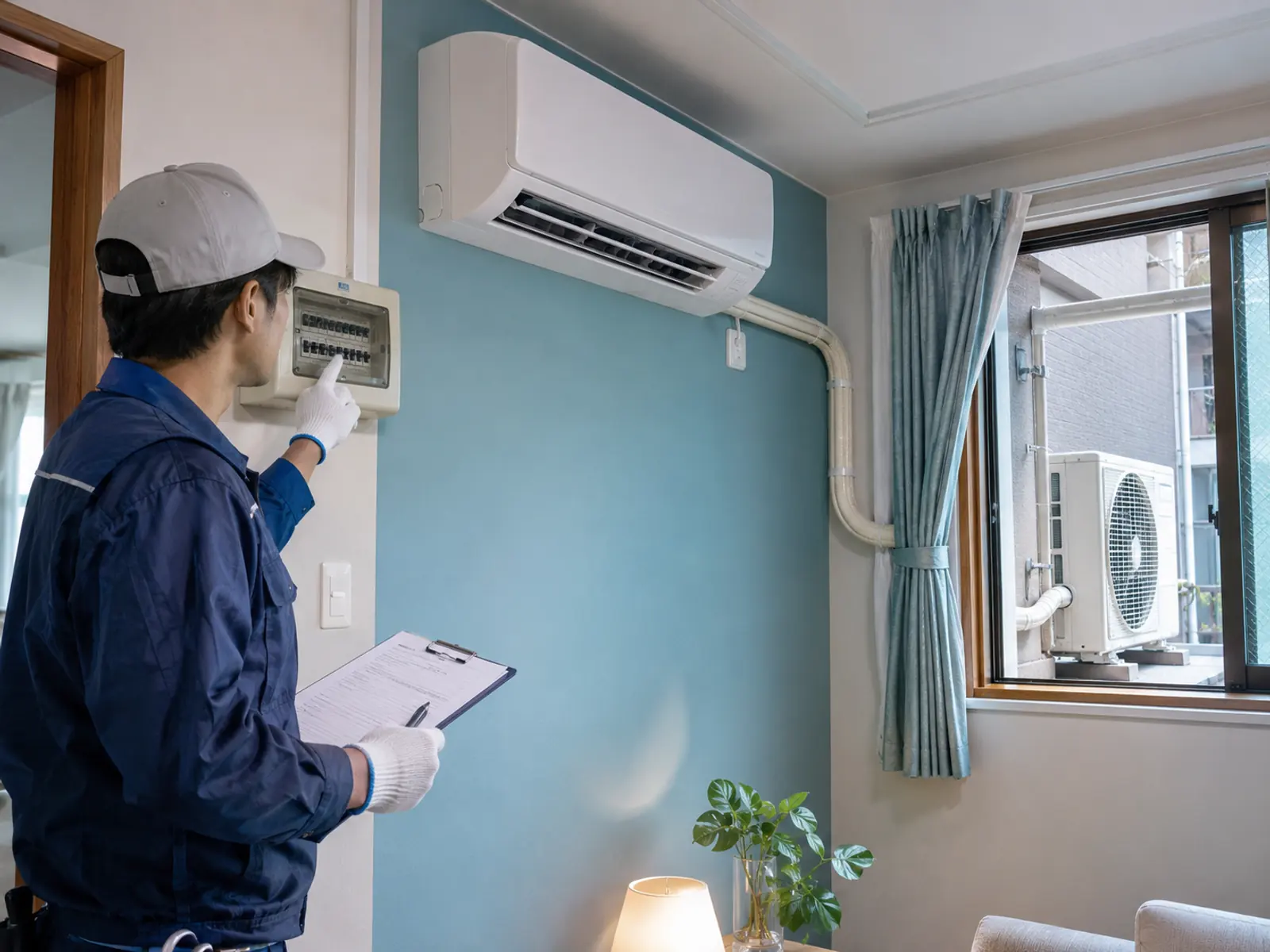
Check only external controls and settings described by LG. For CH07 on applicable 2-in-1 systems, compare the selected modes. Do not change installer settings.
Check: the modes match the model's LG instructions. If it didn't work: contact the installer.
Reset power only if the LG page for your model recommends it. Follow the stated wait time and never reset a breaker that trips again.
Check: the unit restarts without a persistent code. If it didn't work: stop using the AC and contact LG.
Keep user-accessible filters and air intakes clear. Clean only as the manual describes, with the unit stopped and isolated if required.
Check: filters are dry and secured and there is no unusual noise or smell. If it didn't work: do not remove a panel; arrange service.
When to stop and call a technician
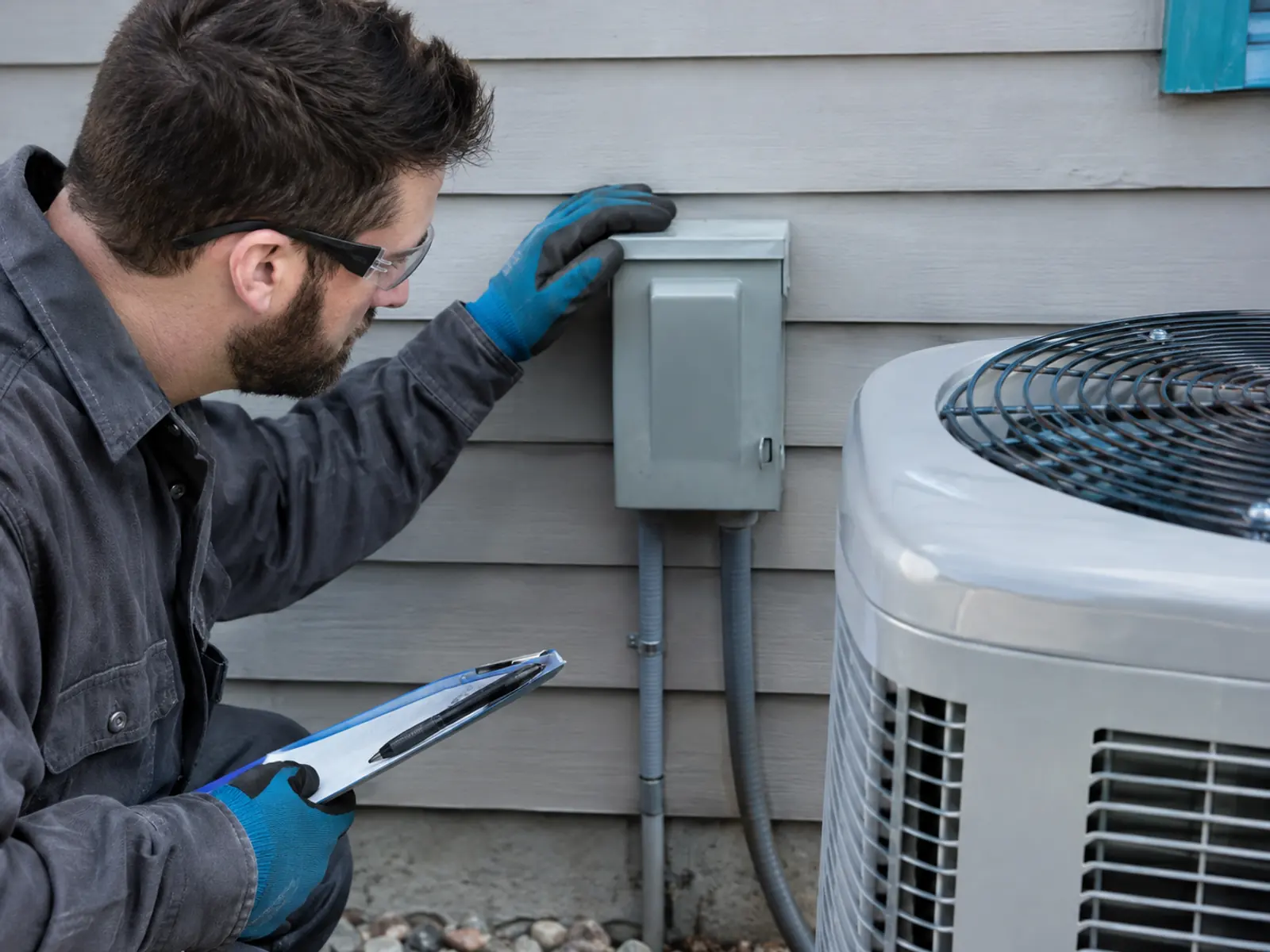
Stop for a tripping breaker, burning smell, damaged cable, water near connections, suspected refrigerant leak, unusual compressor noise, or persistent code. Do not open the electrical enclosure or touch capacitors, wiring, refrigerant pipes, or terminals. Equipment can remain energized while the remote is off. Refrigerant checks require a qualified technician.
Examples in LG documentation
LG explains that wall-mounted and stand-type units can express a code through indicator blinks and illustrates how digit counts are read; ceiling cassettes may use a different indication. LG also groups CH05/CH53/E0 as indoor/outdoor communication codes on some products. These are documentation examples, not a test on a specific model. The unit reference and manual take priority.
No model number, production date, or ElectronixLab test was supplied. LG's public code tables do not cover every region and product family uniformly.
FAQ
Does CH05 mean the same thing on every LG AC?
No. LG says codes vary by model and unit type. Use the product documentation.
How do I read a blinking light?
Record several cycles and use the LG method for that range; do not count one isolated flash.
Can I reset the breaker?
Only once if LG recommends that for your model. If it trips again, leave it off and call service.
Should I open the outdoor unit?
No. Wiring, capacitors, and refrigerant circuits are hazardous and require proper training and tools.
What should I tell a technician?
Give the code, video, unit references, active mode, and when the issue occurs.
Related guides and next step
Official LG sources
- LG — How to read error codes (accessed November 7, 2026).
- LG — Guide to Error Codes (accessed November 7, 2026).
- LG — Troubleshooting error code families (accessed November 7, 2026).
Soyez le premier à laisser un commentaire.