Quick answer: record the code and exact model. The table below lists manufacturer-published families; do not replace a part from a code alone.
Code table · Procedure · When to stop · FAQ · Sources
Symptoms and displays
Bosch publishes guidance by display variant and model. E17/F17 concerns an exceeded water-supply time on listed families; E18/F18 concerns restricted or slow drainage on documented washers; E23/F23 can indicate a leak or water in the base. This table directs checks; it does not identify a failed part.
Diagnosis table
| Symptom/code | Documented likely cause | Next action |
|---|---|---|
| E17 / F17 / F29 | Water-supply time exceeded on listed families. | Check tap, flow, hose, and only filters allowed by the manual. |
| E18 / F18 | Blocked/kinked drain hose or filter on applicable series. | Check the hose and a user filter only if the manual allows it. |
| E23 / F23 | Leak or anti-flood protection on applicable models. | Stop and arrange service if water is visible. |
| E19 / F19 | Heating time exceeded. | Do not open the cabinet; contact Bosch. |
Procedure for your model
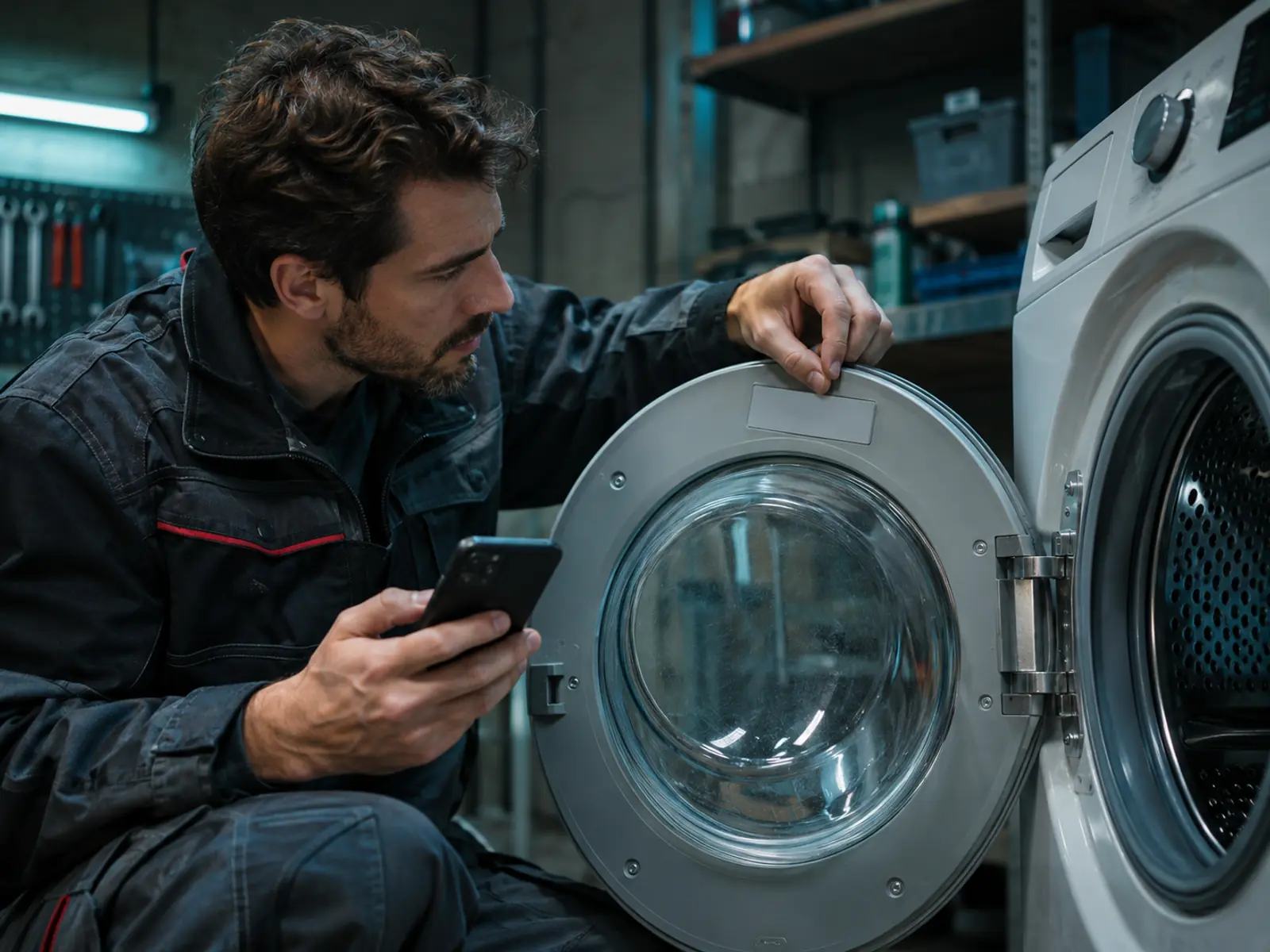
Photograph the display and record the full model number. Open the manufacturer support page and manual that match the reference, region, and washer type.
Check: the manual shows the same code and variant. If it did not work: ask the brand for the correct documentation.
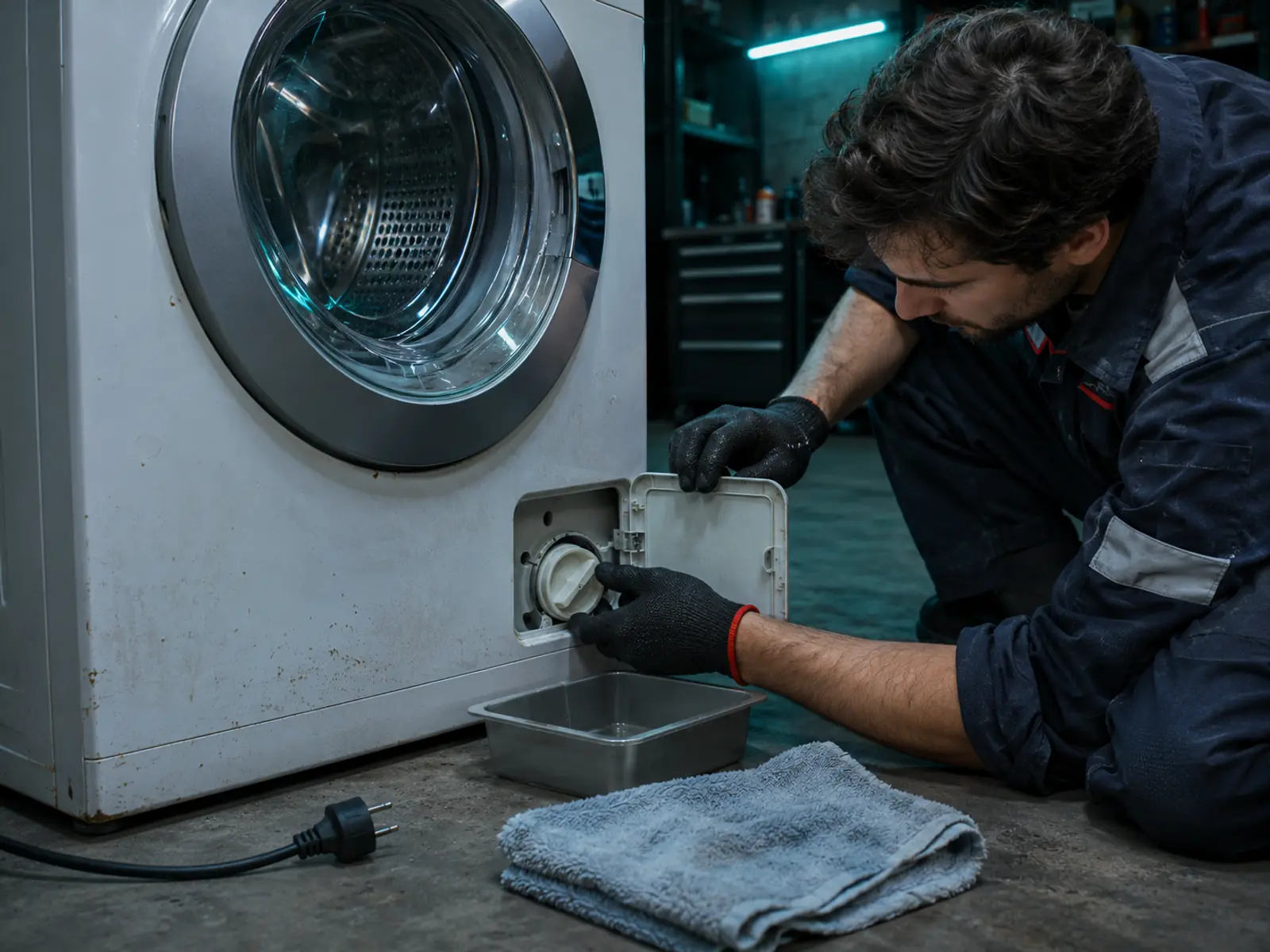
Stop the appliance before maintenance. Unplug before opening an approved user-access point; let water cool and prepare towels.
Check: power is off and the floor is dry. If it did not work: do not open a panel; call a technician.
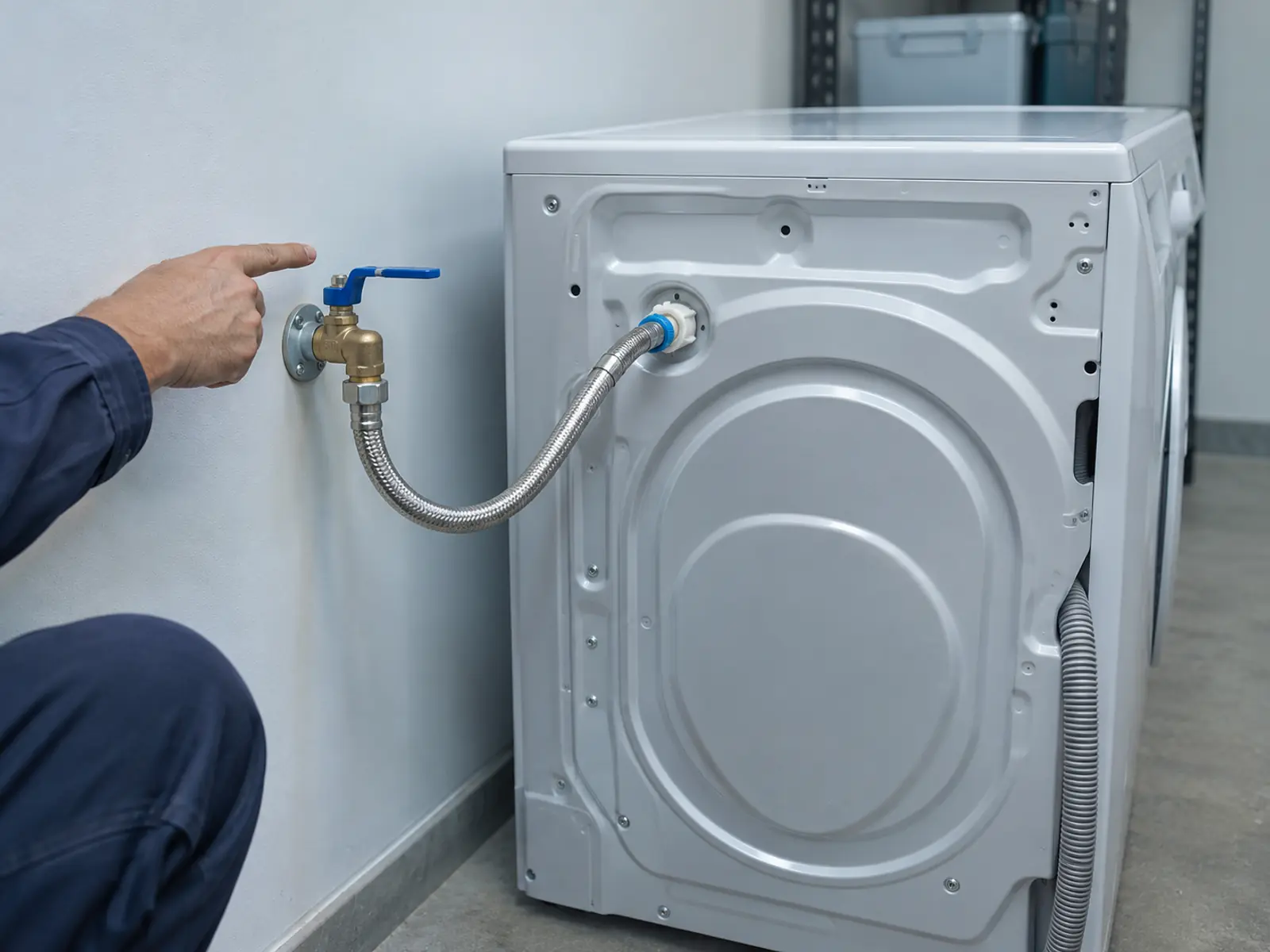
Check the external items named by the manufacturer. Inspect the tap, visible hoses, load, or door according to the code. Do not transfer a top-load procedure to a front-load washer without confirmation.
Check: a visible issue is corrected without leakage. If it did not work: follow the next manual step.
Clean a filter only if it is user-accessible. Release water slowly and do not force the cap.
Check: the filter is secure and dry. If it did not work: stop and contact service.
Run one cycle recommended by the manual. Watch filling, draining, and leaks; do not repeatedly reset the washer.
Check: the cycle finishes without a recurring code or unusual noise. If it did not work: send the code, model, and observations to the manufacturer.
For E17, check the water supply before an inlet filter. For E18, use the manual before opening a drain filter. For E23, stop if you see a leak. Heating or control codes need manufacturer guidance.
When to stop and call a technician
Stop for an active leak, water near an outlet, burning smell, hot plug, tripped breaker, or grinding noise. Never probe a live circuit or remove the cabinet. A motor, heater, control, or sensor code belongs with qualified service.
Keep useful observations
Before calling service, note when the code appears, whether the drum is full or empty, whether water enters or leaves, and whether a tap or hose was recently moved. These facts help direct diagnosis without turning an observation into a conclusion. The same alert may involve a connection, user filter, water pressure, or internal part; the model manual determines which checks are allowed.
Compare the characters carefully. A segmented display can make a letter resemble a number, and a code may include spaces or a prefix. Photograph the full screen and keep it with the product reference. Do not post the serial number online. If the code is not on the local official support page, ask the manufacturer to confirm the variant before ordering a part.
An improvement after cleaning does not prove a component is permanently fixed. Watch a complete cycle and stay nearby. If the code returns, water leaks, or the cycle stops again, end the attempts and tell service what happened. Heating, drive, and control errors are not routine user maintenance.
Limits and documented examples
Support pages list code families but do not publish measured results for every model. A documented example is the difference between a fill code and a drain code: the first directs attention to water supply; the second points to drainage. These are manufacturer directions, not tests performed by ElectronixLab. The model manual is still needed before disassembly.
No ElectronixLab test model or measurement was supplied. Use the full model number and published steps.
FAQ
Does a code always identify the part to replace?
No. It reports a detected condition that can have external or internal causes.
Is an online code list enough?
No. Variants depend on series, region, and appliance type. Check the manual.
Can I reset the washer?
Only if the manual describes that step; stop if the code returns.
What should I tell a repairer?
Give the exact code, model, cycle stage, water or leak observations, and checks already made.
Where do I find the next step?
Use the manual matched to the rating label or contact the official brand support.
Related guides and next step
Official sources
- Bosch washer error codes (accessed November 7, 2026).
Soyez le premier à laisser un commentaire.