Quick Fix — Try This First
If a garage door will not open or close, check the controls and photo eyes first.
- Keep the door still and note the opener lights, display, and wall control; record any flashes.
- Try the wall button and remote. If only one fails, check its lock setting and battery as the manual directs.
- If the door will not close, clear objects from the threshold and gently wipe the accessible photo-eye lenses.
- Do not touch springs, cables, force or travel settings. Call a technician if the door is unbalanced or sensors do not respond.
Check: the door responds to the controls and stops or reverses when its safety system detects an obstruction, as the manual specifies.
When a garage door opener will not work, the cause may be the remote, wall control, safety sensors, interrupted power, or the door itself. Start with the symptom and the opener’s model number; lights, codes, and procedures vary by manufacturer and model.
Safety: a garage door is heavy, and its springs and cables are under high tension. Do not adjust or replace these parts, bend tracks, change opener force or travel settings, or stand beneath a moving door. Keep children and objects clear. If the door is crooked, drops, feels heavy, or has a slack cable, stop testing and call a trained garage door technician.
Symptom, likely cause, and action
Check: you have noted the controls and indicators before acting. If the door strains, stop.
| Symptom | Likely cause | Next action |
|---|---|---|
| Remote fails, wall control works | Weak battery, lock feature, or remote needs pairing | Check the battery and lock feature; reprogram only with the exact model instructions. |
| No control works | Outlet, breaker, power supply, or opener fault | Check only visible power and controls; leave wiring to an electrician. |
| Door will not close and opener light flashes | Photo eyes blocked, misaligned, or without power | Clear the beam and gently clean the lenses without moving mounts or wires. |
| Door starts, then reverses or stops | Obstruction, binding door, or safety system detecting a problem | Check the path; if reversal continues, do not adjust force yourself. |
| Motor hums, door feels heavy or crooked | Mechanical jam, damaged spring, or cable | Stop the opener and arrange professional service. |
1. Separate a door problem from an opener problem
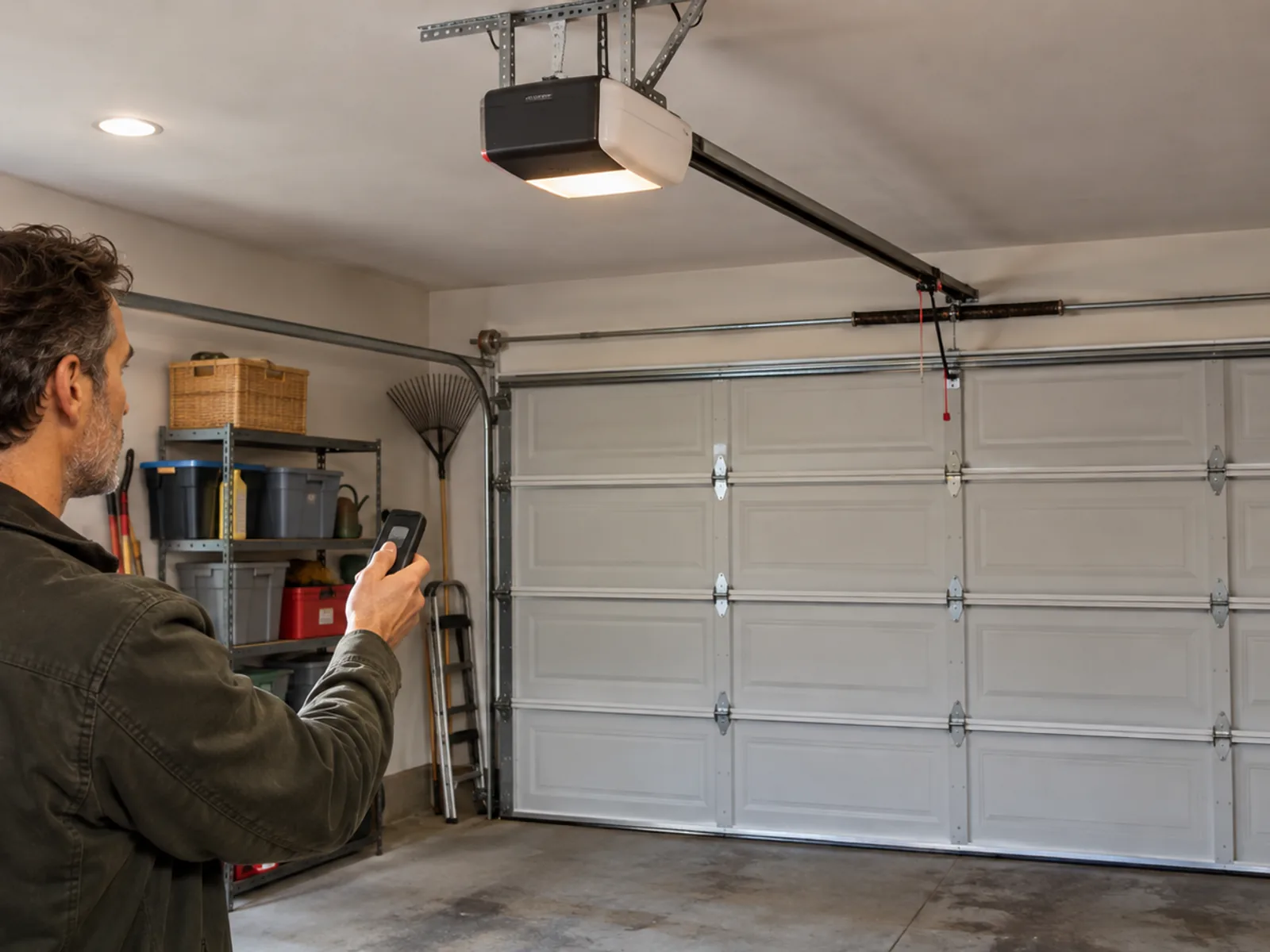
Try the wall control while the door is visible and the path is clear. If the opener responds to the wall button but not the remote, the issue may be limited to that control. If neither starts the motor, note the display, indicator, or diagnostic code before opening the manufacturer’s support page.
Check whether the door’s manual lock is engaged. Do not activate the opener if the door is locked, off its track, or visibly unbalanced. Lock and indicator meanings differ across models.
Remote-only failure
Replace the battery with the specified type. Check whether the wall control’s remote lock is enabled. If the remote still does not work, use the pairing steps for the exact opener model; learning sequences vary. Do not erase the opener’s memory until you know how to reprogram every remote and keypad.
2. Check the safety photo eyes
Check: the path is clear and lenses are clean. If an indicator stays off, use the manual or call a technician.
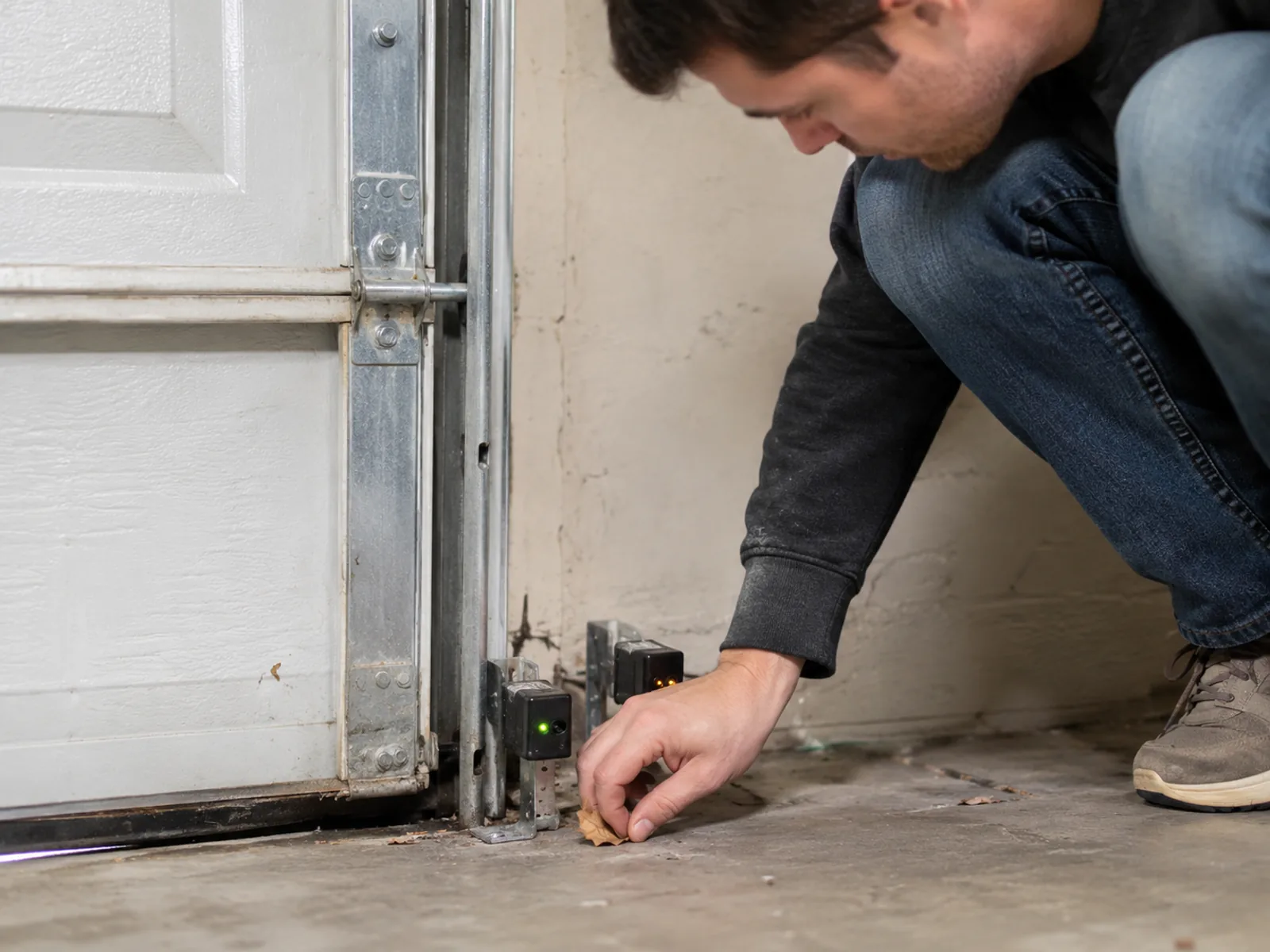
Photo eyes are usually installed low on each side of the door track and face one another. Remove leaves, dust, or objects blocking the beam; wipe the lens with a soft dry cloth. Observe the indicator lights without touching wires or moving the brackets. If a light is off or blinking, check the model manual because indicator meanings vary.
A door that refuses to close or whose opener lights flash may indicate a blocked or misaligned beam. LiftMaster and Chamberlain advise checking that the safety sensors are clear and aligned. Never bypass a safety sensor to force the door closed.
Test safety features only as the manufacturer directs and while the full door is visible. If it does not stop or reverse when a safety device detects an obstruction, stop using the opener until it is repaired.
3. Check obstructions and visible power
Inspect the threshold and travel path for ice, a stone, tool, or debris. With the door stopped, remove only loose objects from the floor that are not caught in a roller or track. Do not push the door by hand if a panel is bent or the door binds.
For a completely inactive opener, check whether its light or display is on. Use the manual to identify its power source and any user-accessible fuse. Do not remove the motor cover. If a breaker has tripped, do not reset it repeatedly; an electrician should diagnose a circuit that trips again. Some installations also use a switched outlet, but check this only if the maker’s instructions say so.
4. Recognize a mechanical fault
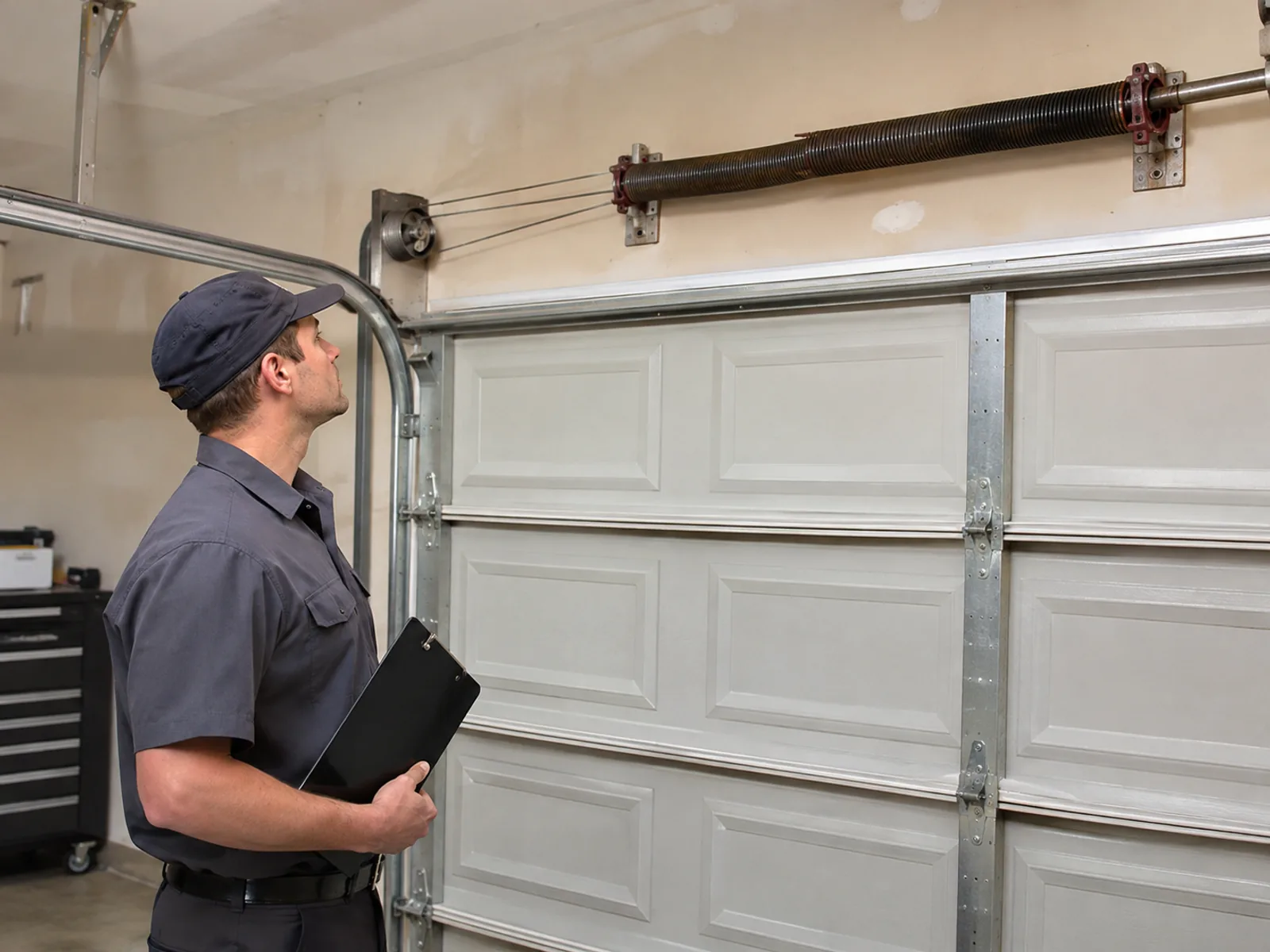
An opener that strains, a motor that hums briefly, a crooked door, or a visible gap at a spring may point to a mechanical problem. Do not pull the red emergency release while the door is open, unstable, or likely to fall. Do not try to balance the door or tighten a spring.
LiftMaster identifies broken springs, misaligned tracks, and a blocked door as reasons for professional service. Disconnect power only by a safe, visible method, then keep clear. A technician can inspect the door, springs, cables, tracks, sensors, and opener before returning the system to service.
Common mistakes
- Holding the close button to override photo eyes that do not work.
- Changing force or travel screws without the exact model procedure.
- Touching springs, cables, pulleys, or loaded brackets.
- Continuing to run the opener when the door is heavy, crooked, or jammed.
- Erasing memory and pairing remotes without the manual.
When to call a technician
Stop immediately if a spring is broken or separated, a cable hangs loose, the door drops or goes crooked, the opener strains, or a sensor safety test fails. Call an electrician if the power source or breaker is faulty. Photograph the model label and light flashes without opening the cover; that information helps the repairer.
Frequently asked questions
Why will my garage door not close and the light flashes?
The safety sensors may be blocked, misaligned, or without power. Clear visible obstructions and wipe the lenses; do not jumper wires to force the door closed.
Why does the wall control work but the remote does not?
The battery may be weak, the remote lock enabled, or the remote may need pairing. Follow the exact model procedure before erasing opener memory.
Can I adjust a garage door spring myself?
No. Springs and cables store high tension and can cause severe injury. Leave their adjustment and replacement to a trained technician.
How can I tell whether the motor or door has failed?
Compare the wall control, remote, diagnostic lights, and visible door condition. If the door is heavy, crooked, or jammed, do not move it; arrange a mechanical inspection.
Next step
Record the opener’s make and model, then open its official support page. Chamberlain provides separate diagnostics for an inactive remote, a door that will not close, and blinking lights. The exact model manual takes priority over generic advice.
Sources
- Chamberlain, garage door opener support and diagnostics, accessed November 16, 2026.
- LiftMaster, opener troubleshooting and when to request service, accessed November 16, 2026.
- LiftMaster, 8164W opener owner’s manual: safety and springs, accessed November 16, 2026.
- LiftMaster, photo-eye safety check, accessed November 16, 2026.
Last updated: November 16, 2026.
Be the first to leave a comment.