Quick Fix — Fix Frigidaire dishwasher start or drain symptoms
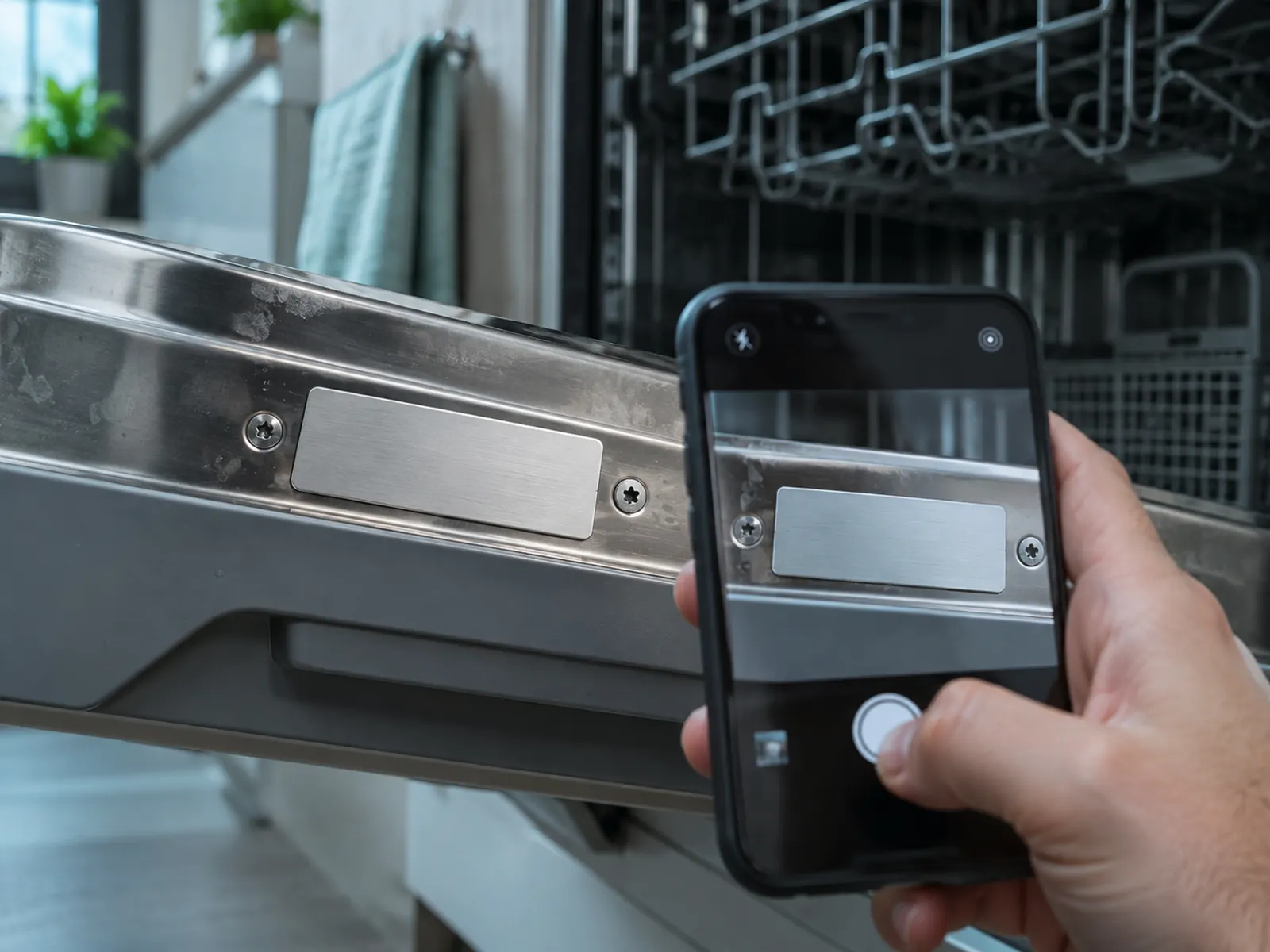
- Photograph the full model number and record every light or displayed code.
- Check that the door closes without an obstruction and that a delay setting does not explain the wait.
- Confirm the accessible water shutoff is open. If water remains, inspect the filter area without removing it before checking the manual.
- Try one cycle and note whether it starts, fills, or drains.
Check: a changed light or pump sound alone does not identify a failed part.
To fix Frigidaire dishwasher start and drain problems, begin with the exact model number: controls, filters, start sequences, and codes vary across generations. This guide separates no-start and no-drain symptoms, then focuses on observations you can make without disassembly. Frigidaire support recommends checking power, the door latch, delay start, water supply, and drain hose before assuming an internal failure.
Describe what the dishwasher does
Find the model number on the label near the door opening. Record the letters and digits exactly; the support page and manual must match that reference. For example, Frigidaire’s product-support page for model FFBD1831UW lists its Guides & Manuals and service options; use the page for your exact model. A control panel may sit on the front or along the top edge of the door. The image shows a model-label check, not a specific product model.
| Symptom | Possible cause | Next action |
|---|---|---|
| Panel stays dark | Interrupted power or inactive control. | Visually check the accessible outlet or switch and breaker after an outage. |
| Panel lights, cycle does not begin | Door not latched, delay start, control lock, or start sequence. | Record the indicator and compare it with the model manual. |
| Water remains after a cycle | Interrupted cycle, filter not seated, kinked hose, or blocked drain. | Confirm cycle completion and inspect accessible parts. |
| Code or flashing light | A panel status whose meaning depends on documentation. | Copy the exact code before resetting anything. |
Frigidaire troubleshooting checks
1. Check power and the control state
If the panel is dark, check only what you can reach without moving the appliance: the intended switch or outlet, then the breaker if power recently went out. Frigidaire recommends confirming that the panel lights and checking whether the power cord was accidentally unplugged. Do not remove the toe kick or touch wiring. Check: the panel lights and shows a recognizable state. If it didn't work: stop and have the supply checked by a qualified professional.
2. Door, latch, and delay start
Remove objects that visibly block the door, then close it without slamming or forcing the latch. Look for a delay-start or control-lock indicator. Frigidaire’s general support article says a delay can hold the cycle and mentions cancelling it with the CANCEL button; button location and behavior can vary by panel. Check the manual before holding a button or resetting the machine.
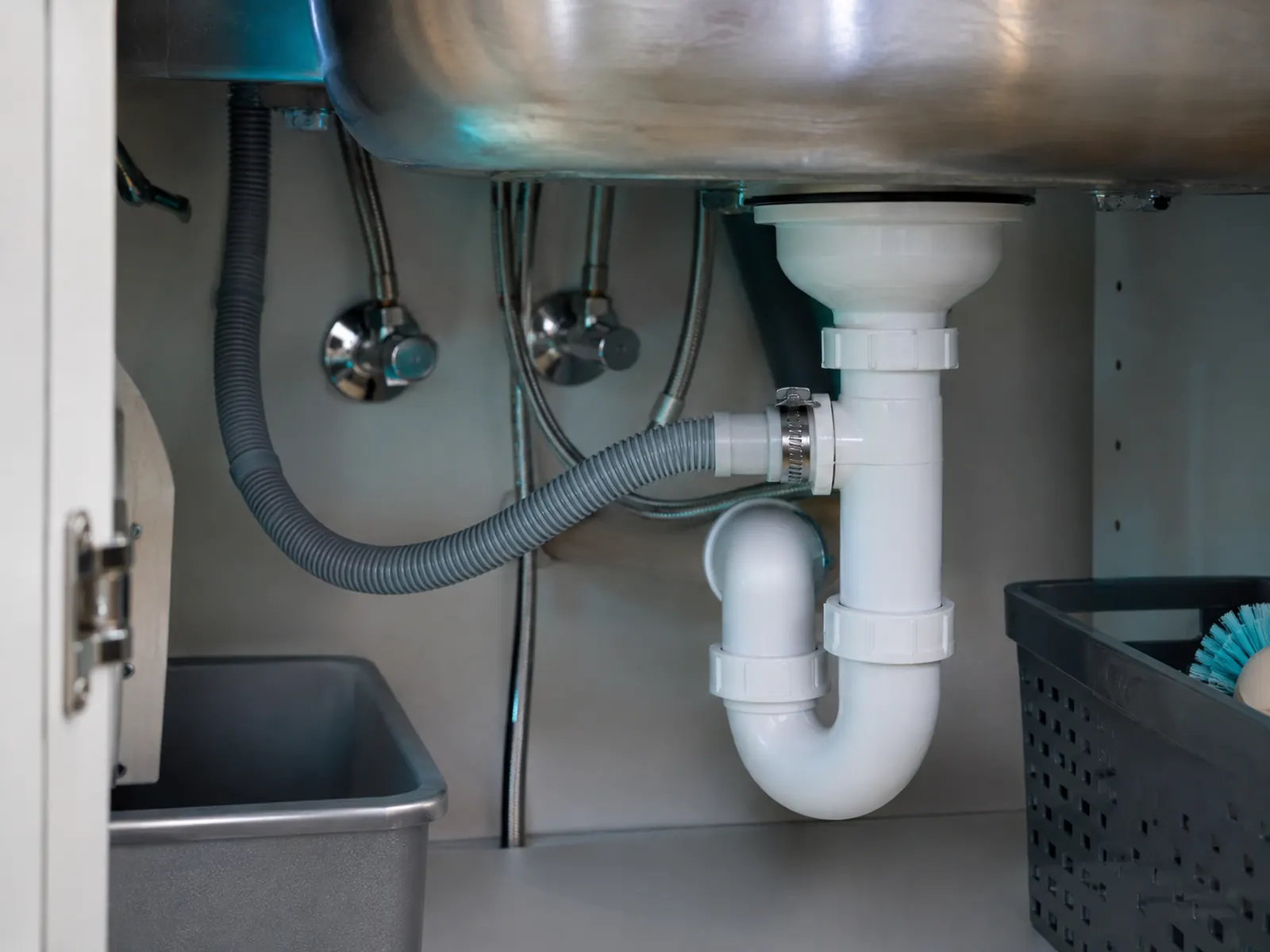
Check: the delay indicator clears and the cycle starts as the manual describes. If it didn't work: record the lights and look up the code; never bypass the latch.
3. If the cycle does not drain
First confirm the cycle finished and is not paused. Frigidaire recommends checking the glass trap or filter, its installation, and the drain hose for a kink. Remove or rinse the filter only if your manual describes the procedure; filter designs vary.
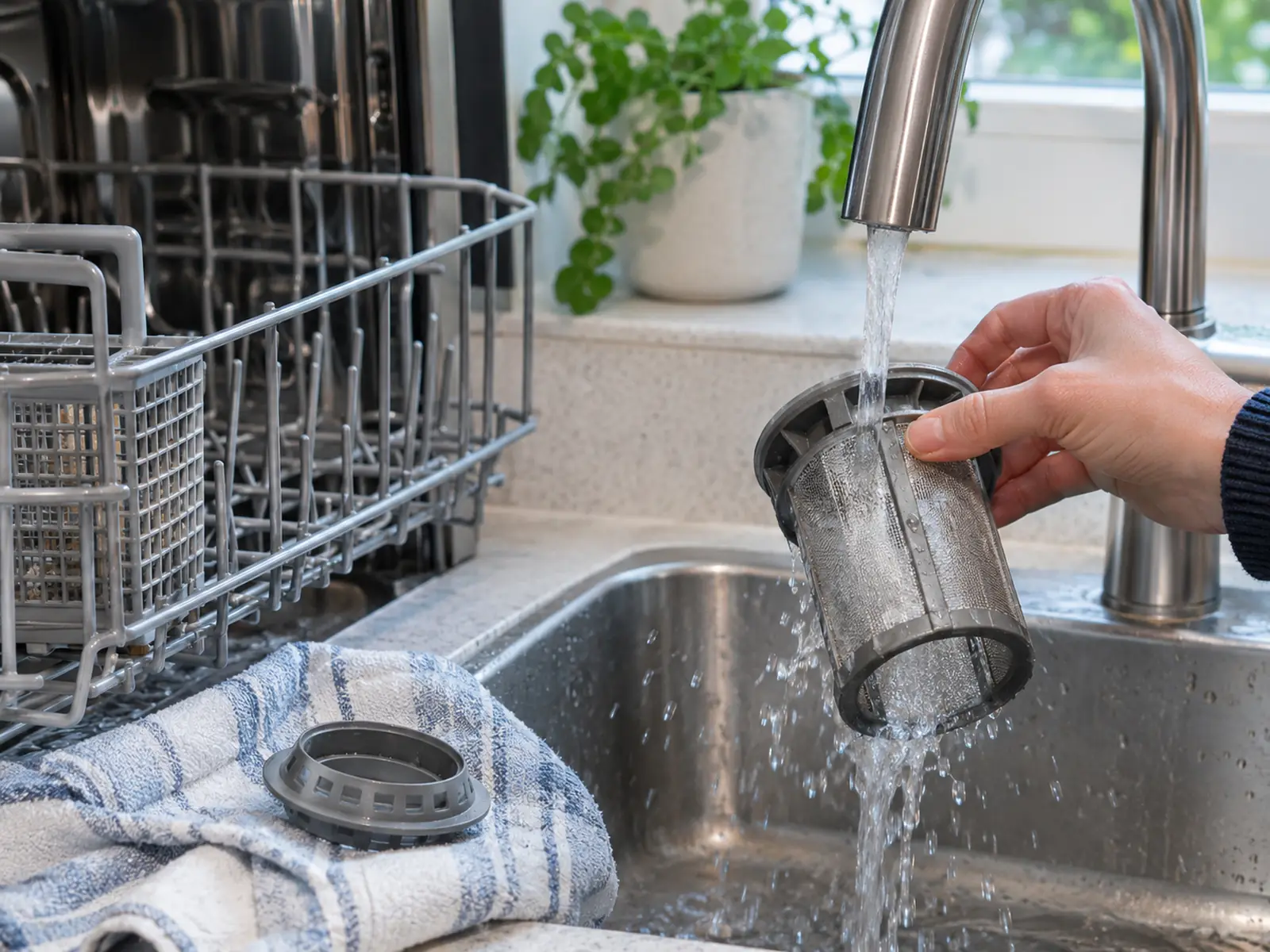
If the hose connects to a sink disposer, Frigidaire notes that an unremoved knockout plug at the disposer inlet can block drainage after installation. Do not dismantle plumbing if you cannot identify the connection.
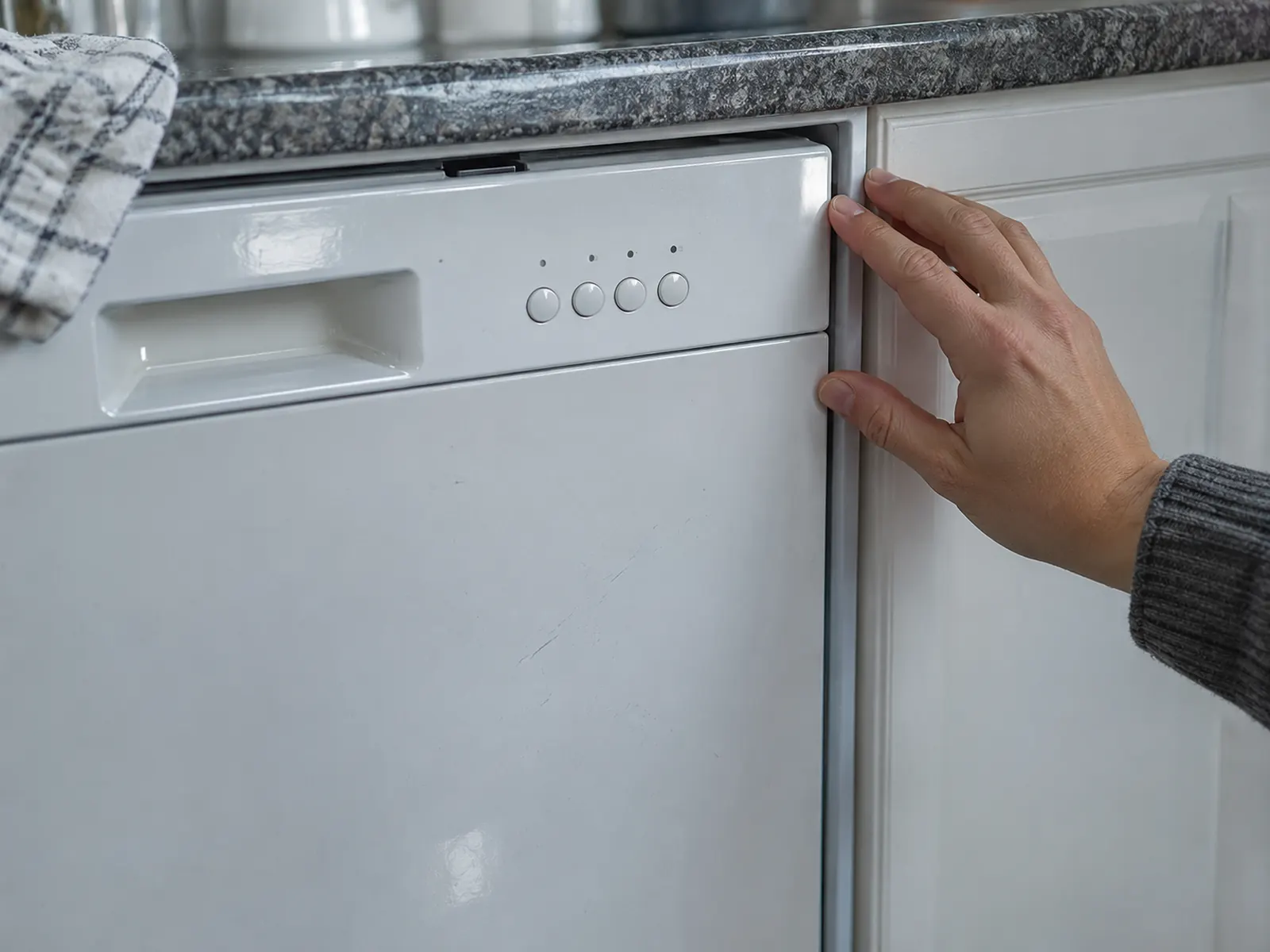
Frigidaire’s hose guide gives a minimum height of 32 inches above the floor for the installation it covers. Check your appliance’s installation manual before changing the hose route; do not pull out a built-in dishwasher. Check: the visible hose is not crushed and the filter is seated as instructed. If it didn't work: note whether the sink drains normally and share that observation with service.
Common mistakes
- Canceling delay start with a button sequence from a different panel generation.
- Removing the filter or glass trap without the matching manual.
- Blaming the pump before confirming cycle completion, hose routing, and a disposer connection.
- Moving an installed dishwasher or opening an electrical panel to inspect the supply.
Troubleshooting if it still fails
- Panel remains dark: after checking the intended switch and breaker, have the power supply examined; do not dismantle the appliance.
- Cycle remains delayed: give Frigidaire support the model number, code, and indicator state. The door needs service if the latch does not engage normally.
- Water remains after draining: report whether the filter is accessible, the hose is visible, and the sink or disposer shares the drain. A leak or hot smell means stop immediately.
When to stop checking
Stop the appliance for a leak, smoke, burning smell, or a breaker that trips again. Do not remove panels or test a live circuit; electrical checks and internal parts belong to a qualified technician. Keep the model number, code, and symptom sequence so no replacement part is ordered on a guess.
Frequently asked questions
Why will my Frigidaire dishwasher not start?
Frigidaire recommends checking power, door closure, delay start, water supply, and the drain hose. Your exact model number determines which manual applies.
How do I cancel a delay start?
Frigidaire’s support page mentions CANCEL for the issue it covers. Confirm the button and hold time in your model manual before using it.
Can a kinked drain hose stop a dishwasher from starting?
Frigidaire says an incorrectly installed or clogged hose can be involved in start and drain problems. Inspect only the visible section without pulling out the appliance.
Should I clean the filter if water remains in the tub?
First confirm the cycle is complete. Clean the trap only as the manual describes, then check that it is seated correctly.
Related guides and next step
Compare this diagnosis with our guides to a dishwasher that will not start, a dishwasher that will not drain, and dishwasher codes without a manual. For a code with an official mapping, open the error-code finder and select Frigidaire.
Sources
- Frigidaire — Dishwasher Not Starting, accessed November 16, 2026.
- Frigidaire — What can I do if my dishwasher is not draining?, accessed November 16, 2026.
- Frigidaire — Dishwasher Drain Hose Guide, accessed November 16, 2026.
- Frigidaire — Dishwasher Glass Trap and Filter Guide, accessed November 16, 2026.
- Frigidaire — product support for model FFBD1831UW, accessed November 16, 2026. This page lists guides and service options for that specific reference.
Last updated: November 16, 2026.
Be the first to leave a comment.