Quick Fix — GE dishwasher repair: try this first
- Photograph the complete model number and note every light, beep, or code before changing a setting.
- Check that the door closes without an obstruction and that the accessible water shutoff under the sink is open.
- Use the manual for that exact model before cancelling a cycle, cleaning a filter, or resetting the dishwasher.
- After those checks, try the cycle once. Record whether the panel lights, the unit drains, fills, or stays silent.
Check: describe the change you observed. A sound or indicator alone does not prove that a part has failed.
GE dishwasher repair starts with the model number: controls, removable filters, indicators, and fault codes differ across product lines. This guide helps you sort a no-start, drain, or heating symptom and do only user-accessible checks. It does not replace the model manual or ask you to open an electrical panel.
Define the symptom before looking for a part
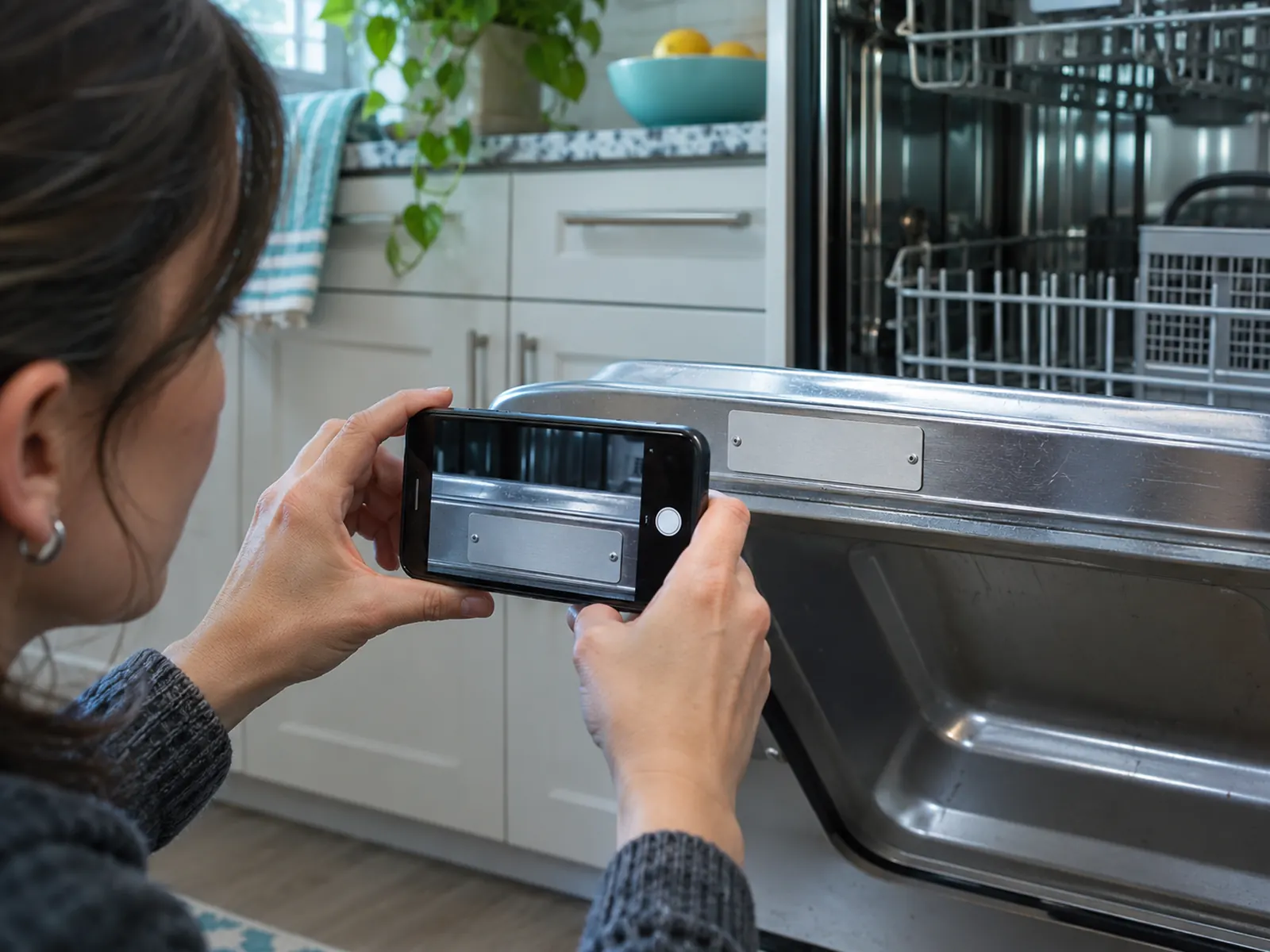
Find the full model number on the appliance label, often around the door opening. The complete identifier matters: two similar-looking GE dishwashers can use different controls. Photograph the label for the GE manual or service team. The image below shows how to locate and photograph a label; it is not a specific GE model.
| What you see | What it may indicate | Next check |
|---|---|---|
| No lights or sound | No power or an inactive control; this alone does not prove a failed board. | Check the wall control and breaker without removing the appliance. |
| Lights on, cycle does not begin | Control lock, delay, start sequence, or door not seated. | Compare indicators and start steps with the exact model manual. |
| Water remains after a cycle | Interrupted cycle, slow drain, or an accessible obstruction. | Distinguish water in the tub from a completed program. |
| Cycle ends but dishes are cool or wet | Drying option, cycle choice, load, or a heating issue. | Check the selected cycle and options; do not open electrical parts. |
GE dishwasher repair: practical checks
1. Match the control panel to the model manual
GE links product support pages to model-specific manuals and troubleshooting topics. The support page for some models lists no-start, drain, and blinking-light symptoms separately. Enter the full number in the GE support center, then open the manual for your dishwasher. Do not copy a button combination from another model.
If an indicator flashes, count and record the pattern. If a code appears, copy every letter, number, and dash exactly. The product page and manual can tell you whether the signal is a cycle state, reminder, or diagnostic code. Check: the support page shows your model number and the matching manual. If it did not work: recheck the label or ask GE support to confirm the documentation before proceeding.
2. If the cycle will not start
Remove only objects that visibly prevent the door from closing; do not force the latch. Check the control-lock indicator, delay setting, and start sequence listed in the manual. Buttons and hold times vary, so follow only the steps for your model number. A door that looks closed does not prove that its internal latch is working.
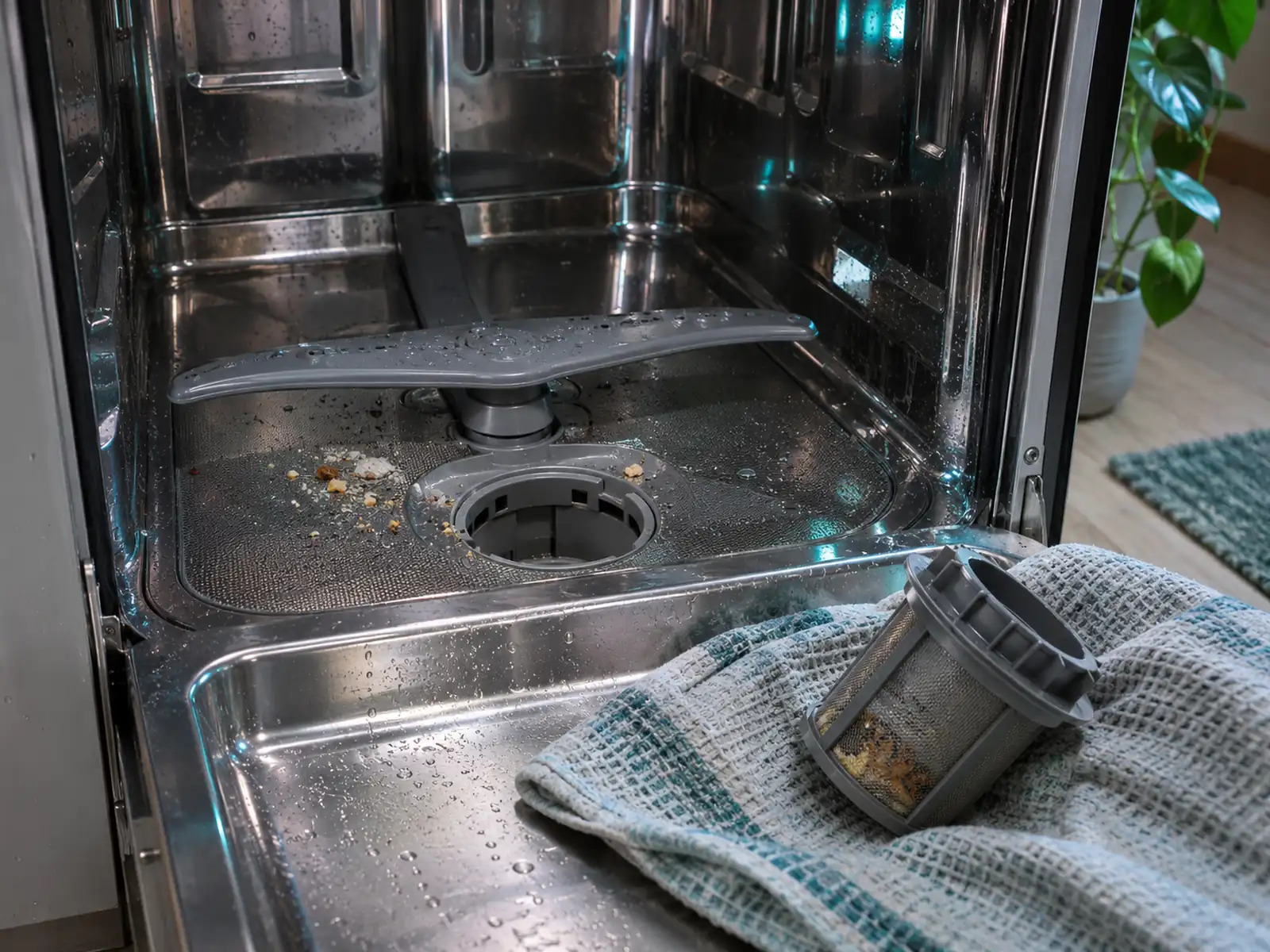
Check: after the model-specific sequence, the start indicator changes or the program begins. If it didn't work: record the behavior and contact GE service; never bypass the latch.
3. If water remains in the tub
First check whether the program actually finished or was interrupted. GE says filtration differs by design: some models have removable fine filters, while others use self-cleaning filtration. Remove a filter only when your manual describes the procedure. For the covered models, GE recommends gentle cleaning; abrasive pads can damage the filter. Visually inspect an exposed drain hose without pulling out a built-in dishwasher. A slow kitchen sink can point to household plumbing, but it does not prove that the dishwasher pump failed.
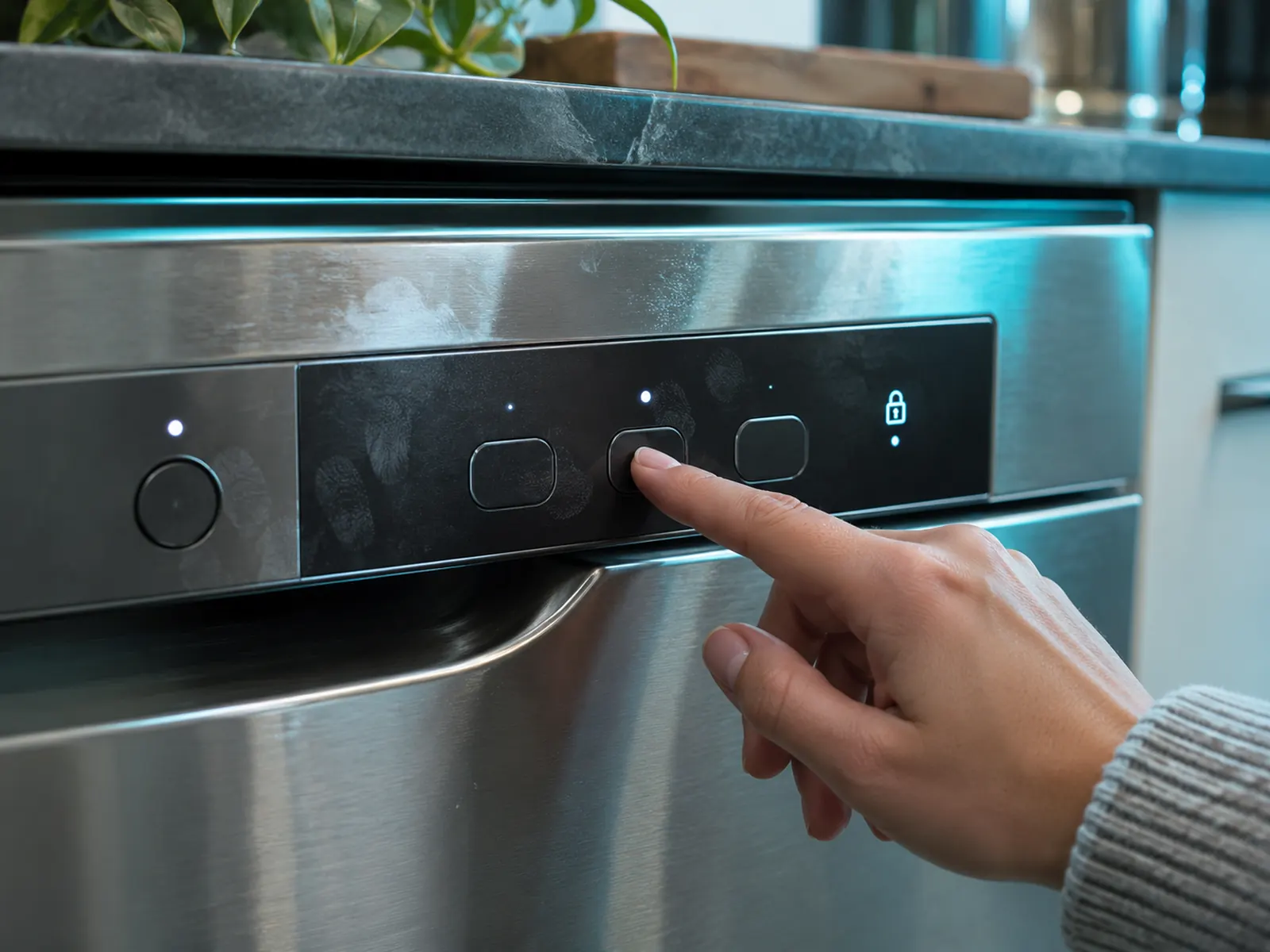
Check: the filter is reinstalled and locked as the manual shows, and a normal cycle drains. If it didn't work: stop repeated attempts and give GE the model number, water level, and any displayed code.
4. If the dishwasher does not heat or dry well
Compare the result with the selected cycle and options first. Some cycles or options change drying behavior; the names and operation depend on the control panel. Cool or damp dishes at the end of one cycle do not identify a failed heater. Confirm the water valve is open and the cycle has finished. Do not measure voltage, remove an access panel, or touch a heating element.
Check: make one comparison with the cycle and drying option described in your manual. If it didn't work: record the code, indicators, and point where the cycle stops; continued loss of heat after a normal cycle needs a model-specific diagnosis.
Common mistakes
- Ordering a pump, latch, or heating element from one symptom alone.
- Assuming every GE dishwasher has a removable filter.
- Using a code or button sequence from a manual for a different model.
- Running repeated cycles while water leaks, overflows, or reaches electrical parts.
- Opening the base or testing a live circuit; this guide does not cover those actions.
Troubleshooting if it still fails
- Cycle blocked or controls locked: consult the matching manual next; if the latch stays locked after its documented procedure, request service instead of forcing the door.
- Slow draining: record whether the sink shares the drain connection and whether an exposed hose is kinked. If the sink is slow too, have the household drain checked before replacing a pump.
- Stops with a code, hot smell, or leak: stop the appliance, keep the code and model number, and contact service. A leak near electrical parts, smoke, or a burning smell calls for immediate shutdown.
When to stop troubleshooting
Do not remove the access panel or continue if the breaker trips again, the unit leaks, a burning smell appears, or the manual reserves a check for a technician. Turn the dishwasher off using its normal control; close the accessible water shutoff if there is a leak. GE dishwasher repair may then require model-specific parts and procedures, which the model label helps confirm.
Frequently asked questions
Where is the model number on a GE dishwasher?
Look around the door opening and photograph the complete label. Confirm the number before choosing a manual or replacement part.
Why does my GE dishwasher drain but never start washing?
A pump sound or initial drain is not enough to diagnose a fault. Record the cycle stage and any code, then compare the sequence with the documentation for your model.
Can I clean the filter in every GE dishwasher?
No. GE notes that some models use self-cleaning filtration and removable parts vary. Remove only filters the manual identifies as user-accessible.
Does a cycle with no heat mean the heating element is broken?
Not by itself. Check the cycle, drying option, and whether the program completed; electrical checks must follow the model documentation and may require a technician.
Related guides and next step
For a general symptom, read our guide to a dishwasher that will not start, dishwasher drain checks, and identifying a dishwasher code without a manual. To check an officially mapped fault code, open the error-code finder and select GE.
Sources
- GE Appliances — troubleshooting for model PDT145SGLBB, accessed November 16, 2026. This product page links to its manual and separates start, drain, and blinking-light topics.
- GE Appliances — cleaning fine filters, accessed November 16, 2026. GE notes that filtration and removable parts depend on the model.
- GE Appliances — use and care manual (PDF), accessed November 16, 2026. This manual documents one product generation; do not transfer its codes to another model.
- GE Appliances — support and service, accessed November 16, 2026.
Last updated: November 16, 2026.
Be the first to leave a comment.