On LG product families documented by the manufacturer, CH05 indicates an indoor-to-outdoor communication fault. Record the code and both model references, then contact the installer; wiring checks belong to a technician.
Symptoms · Diagnosis · Safe checks · When to stop · FAQ · Sources
CH05 symptoms
The air conditioner may display CH05, stop, or fail to cool normally. Some units show the code on the appliance or remote display. LG also groups CH53 and E0 in a troubleshooting article for covered products; that does not mean these codes are interchangeable across every product range.
LG associates CH05 with an indoor-to-outdoor communication problem for the products covered by its guidance. The message alone does not identify a specific wire or prove that a part needs replacement.
Diagnosis table
| Symptom | Likely cause per LG | Next action |
|---|---|---|
| Persistent CH05 | Communication between units disrupted on documented products | Record the code and call the installer or LG service. |
| CH05 after installation or service | Installation or a connection may be involved; the owner cannot confirm it safely | Ask the installer to return; do not remove covers. |
| Code appears intermittently | Intermittent fault requiring exact model diagnosis | Record a video and note when it appears. |
| Tripping breaker, odor, or electrical noise | Electrical hazard or serious fault | Stop using the unit and call a professional. |
Checks from safest to more advanced
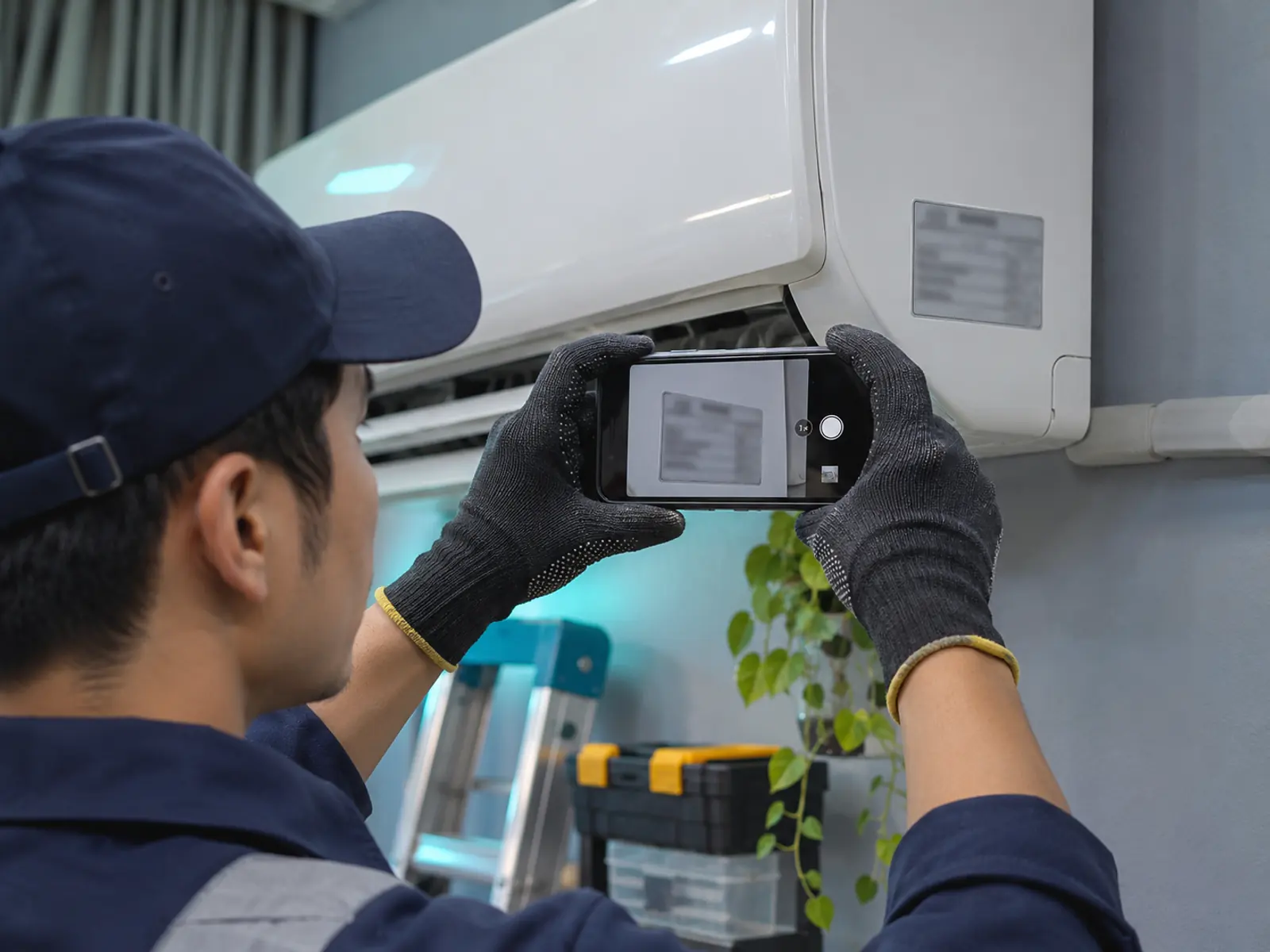
Photograph the complete code and record the time, operating mode, and unit behavior. Do not convert a blink pattern into CH05 unless you use the LG method for the exact model.
Check: the photo captures every character. If it didn't work: record several repeated light patterns and share the video with service.
Record the full model reference of both indoor and outdoor units. Read a label only if safely reachable without an unstable ladder or removing a cover. Keep the two references separate.
Check: you have both references. If it didn't work: ask the installer to record them during a visit.
Use the LG support page for the exact product range. Confirm that it covers CH05, your unit type, and region. Do not apply a cassette procedure to a wall-mounted model.
Check: the documentation names the code and product family. If it didn't work: send both references and the photo to LG Support.
Check only user-accessible controls. Note whether the alert followed a mode change or a power interruption. Do not change installer settings.
Check: the display is documented and repeatable. If it didn't work: stop testing and arrange service.
Cycle power only if LG recommends it for your model. Do not open the disconnect or electrical panel unless qualified. Never reset a breaker that trips again.
Check: the unit restarts without CH05 and runs normally. If it didn't work: leave it off and contact the installer.
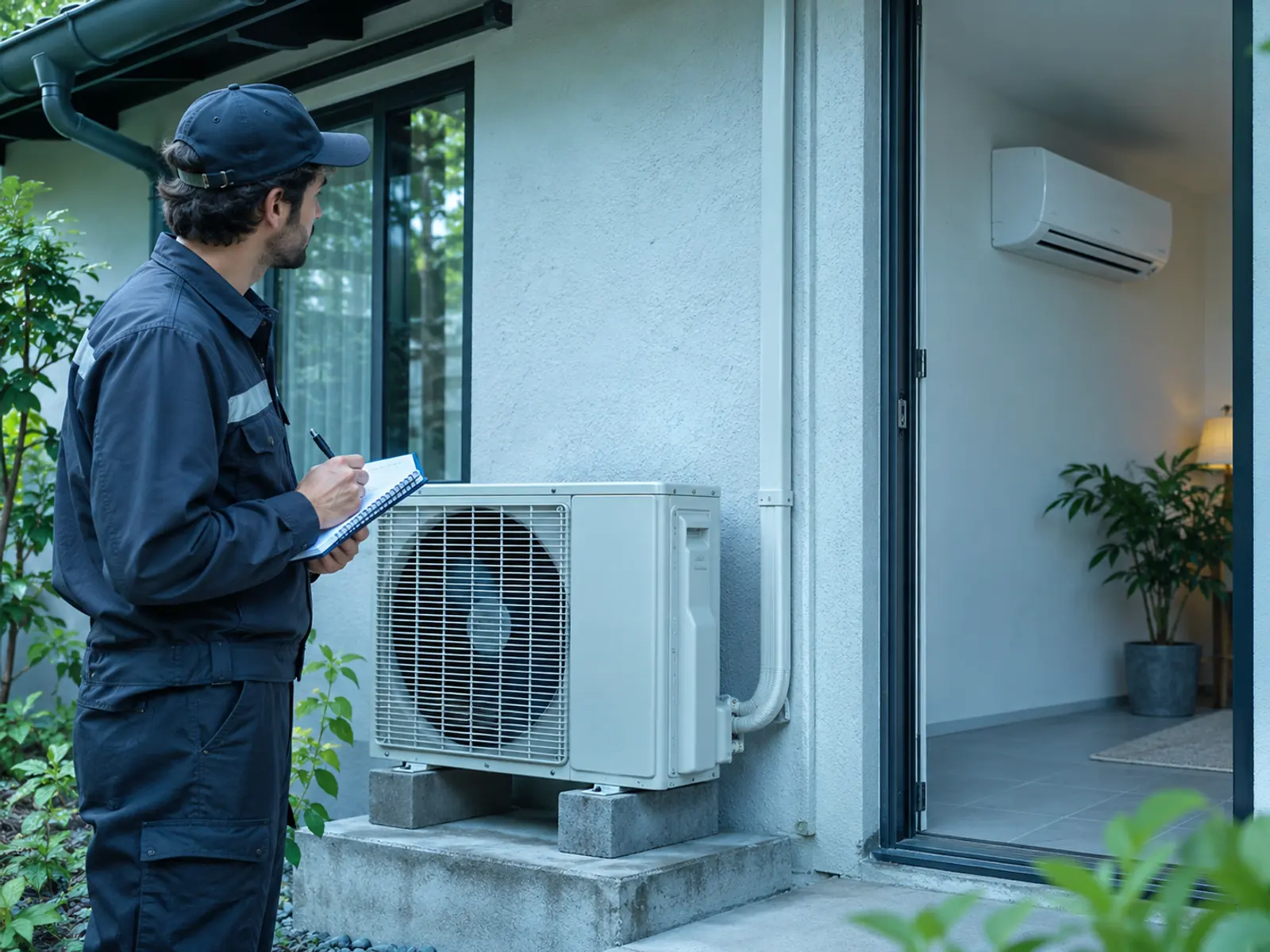
Have the technician check communication between the units. Wiring, terminals, and control-board checks require electrical isolation and professional skills.
Check: the technician confirms a cause and tests the unit after service. If it didn't work: ask for a written diagnosis and the next checks recommended by LG.
Prepare a useful service request
A short timeline helps a technician reproduce the fault without repeated resets. Note whether CH05 appeared at first startup, after a power interruption, after service, or after a mode change. Record whether the indoor unit blows air, whether the outdoor unit appears to start, and whether the code stays on screen. These are observations, not a wiring diagnosis.
Send a clear code photo, both unit references, and the date it began. If the unit blinks instead of displaying a code, record several complete sequences. Keep a phone away from a moving fan and do not climb to reach a label. Ask the professional to confirm unit compatibility, installation, and communication using documentation for the exact references.
After service, ask which check confirms the repair and which operating conditions were verified. A code disappearing temporarily does not confirm that the underlying fault is fixed.
Limits of the code and this guide
CH05 is a diagnostic clue. It does not by itself distinguish a connection issue, failed board, configuration problem, or another possible cause. Only a check against the exact model can establish the cause. This guide therefore gives no live electrical test, board replacement, or installer setting.
Examples in LG documentation
LG lists CH05 among communication-related codes for some indoor/outdoor units. The same help page also addresses CH53 and E0 for supported product families. These are documentation examples, not results from testing a particular model. Your exact reference and manual determine the procedure.
No model number, production date, or real test was supplied for this guide. It therefore gives no universal wire, component, or restart interval.
When to stop and call a technician
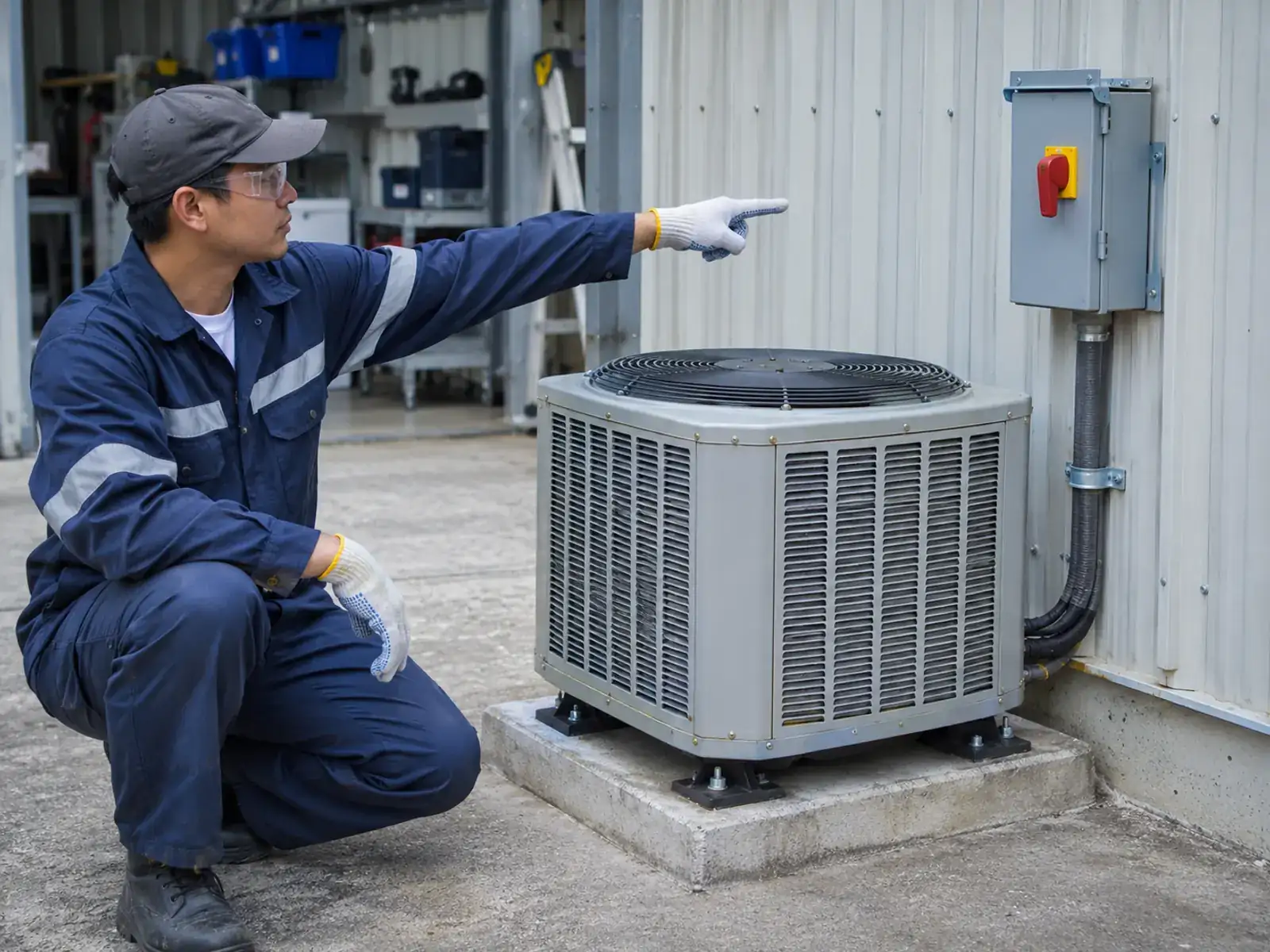
Stop immediately for a burning smell, damaged cable, water near connections, a tripping breaker, electrical noise, or a code that returns after an LG-recommended action. Capacitors can remain charged after power is off. Do not remove covers, probe a live terminal, or touch the refrigerant circuit. Call the installer or a qualified HVAC technician.
FAQ
What does CH05 mean on an LG air conditioner?
LG links it to an indoor/outdoor communication problem on documented product families. Confirm the meaning for your exact reference.
Does CH05 prove the control board is broken?
No. The code does not prove that a board has failed. A model-specific diagnosis is needed.
Are CH05 and CH53 the same code?
No. LG discusses both on one support page for some product families, but they remain distinct and can vary by product.
Can I clear CH05 by resetting the breaker?
Only cycle power if your model's instructions recommend it. If the breaker trips, leave it off.
What should I tell the repairer?
Give the code photo, indoor and outdoor references, operating mode, time, and any recent installation change.
Related guides and next step
Official LG sources
- LG — Troubleshooting CH05, CH53, E0, and other listed codes (accessed November 7, 2026).
- LG — Reading air-conditioner codes and indicators (accessed November 7, 2026).
Be the first to leave a comment.