An FDM 3D printer can make useful workshop brackets, enclosures, and jigs, but the advertised build volume is only one buying criterion. Start with the largest part you expect to print, the materials it needs, the space available, and the consumables you can replace. A printer with common service parts may cost less to keep running than a cheaper machine that is difficult to repair.
Quick buying checklist
- Measure your largest part and account for orientation, supports, and assembly clearance.
- Compare printable volume, not the printer’s outside dimensions.
- Choose materials for heat, UV exposure, flexibility, and contact with the finished part.
- Check replacement nozzles, build plates, belts, and extruder components.
- Budget for filament, tools, ventilation, shipping, and optional accessories.
This is a buying guide based on manufacturer specifications, not a head-to-head hands-on test. Prices, stock, and accessories vary by country and configuration. Specifications below were checked on November 16, 2026.
Start with the parts you plan to make
List three representative items: perhaps a small sensor mount, an electronics enclosure, and a wide jig. Measure length, width, and height, then consider the orientation and supports needed to print each part. A model must fit inside the printable volume in its intended orientation; the advertised bed dimensions alone do not show whether its edges, supports, or brim will fit.
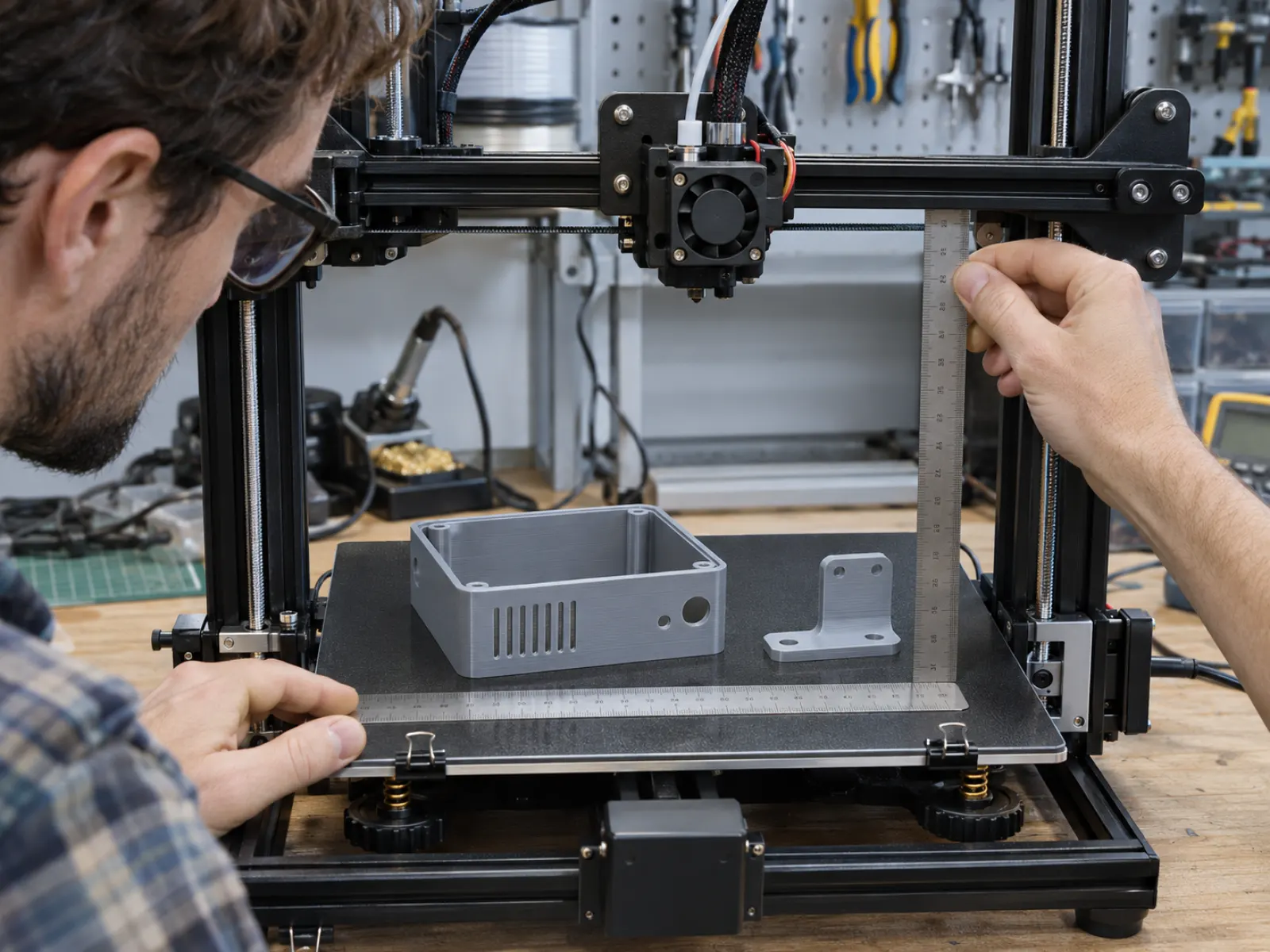
The Original Prusa MK4S lists a 250 × 210 × 220 mm build volume. Bambu Lab lists 256 × 256 × 256 mm for the P2S. Those published dimensions are close, but they do not promise the same quality, speed, or accuracy. If an enclosure is wider than the shortest axis, consider splitting it into screw-together or snap-fit panels before paying for a larger printer. Small parts may benefit more from a suitable nozzle or slicer profile than from a larger build area.
Match filament to the job, not the marketing
PLA can be a straightforward starting point for an indoor bracket that sees little heat. PETG is often selected for functional parts needing more toughness, while TPU is used for flexible parts. ABS, ASA, polycarbonate, and some nylons have more demanding print conditions. The filament brand, diameter, drying condition, slicer profile, and part design also matter. No thermoplastic automatically makes an enclosure suitable for mains voltage, a critical load, or permanent outdoor exposure.
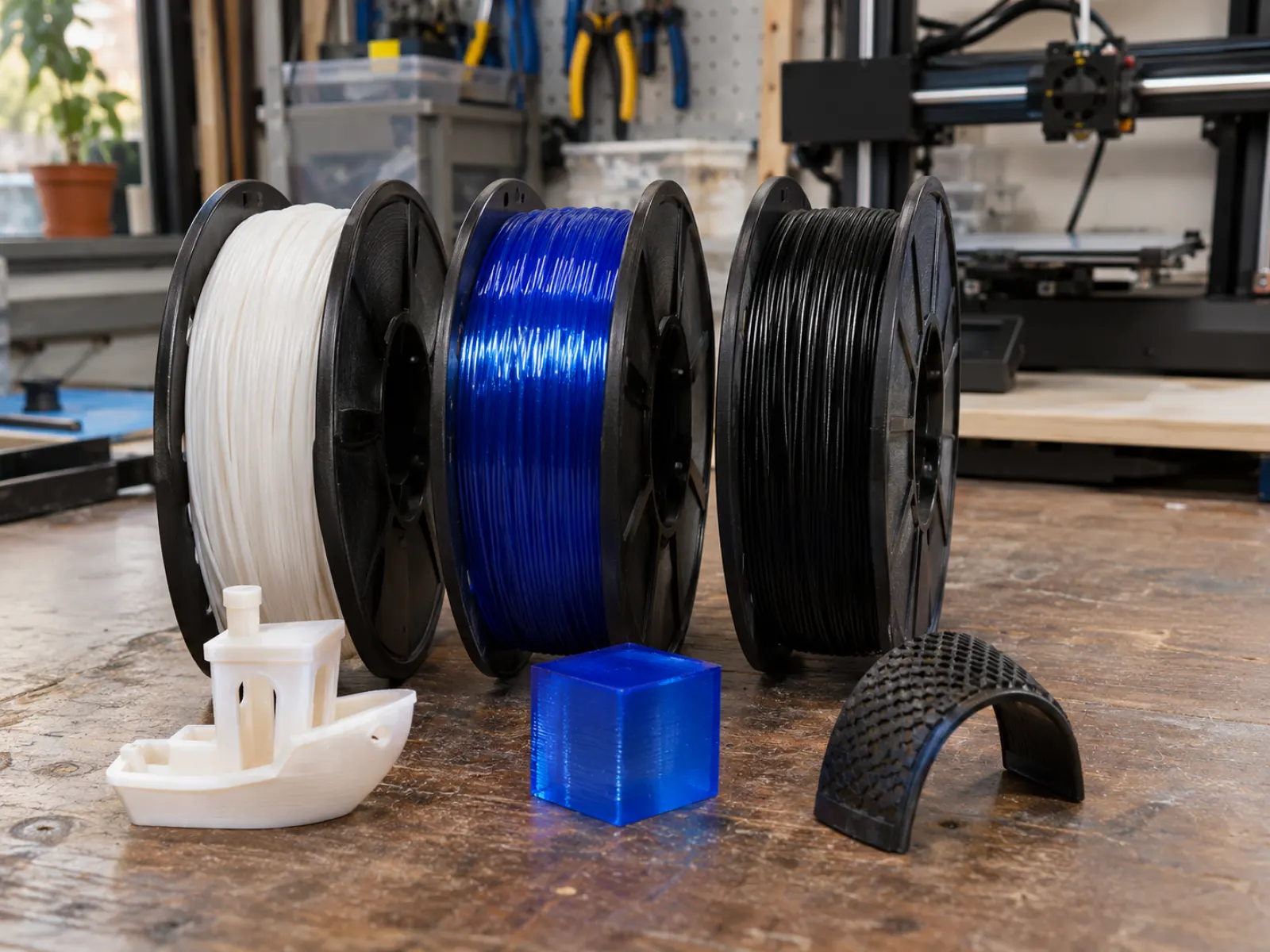
Material lists differ by extruder, nozzle, bed, and enclosure. For example, Prusa lists PLA, PETG, Flex, PVA, PC, PP, CPE, and PVB for the MK4S; ABS, ASA, HIPS, and PA are listed with its enclosure and filtration add-on. Bambu Lab describes the P2S as enclosed, but check the exact material, model limits, and required accessories in its documentation before buying. An enclosure does not mean every filament is supported without setup. Prusa MK4S technical specifications · Prusa MK4S material guide.
Open frame, enclosure, or filtration?
An open printer is easy to reach and may fit more easily on a workbench. An enclosure can stabilize the print environment and help with materials that shrink more; it also takes up space and may need a filter or dedicated exhaust. Measure door swing, the bed’s travel, spool clearance, cables, and access to the power switch. Do not place a printer in a bedroom or occupied workspace without considering emissions and ventilation.
NIOSH notes that filament printing can release ultrafine particles and chemicals. In a workshop or shared space, read its guidance and use source controls and ventilation suitable for the installation; a filter placed near a printer is not automatically a validated control. Follow the printer maker’s guidance on temperature, materials, maintenance, and supervision.
What does the printer cost over time?
The sticker price is only one cost. Check whether the version is a kit or assembled, shipping and tax, replacement sheets, nozzles, hotend, fans, belts, filament sensor, and support. Confirm that the maker or a distributor still sells compatible parts for the exact model. Also budget for failed filament, drying when required, part-removal tools, and a ventilated location.
| Manufacturer example | Published volume | Confirm before ordering |
|---|---|---|
| Original Prusa MK4S | 250 × 210 × 220 mm | Kit or assembled price, enclosure options, and material support. |
| Bambu Lab P2S | 256 × 256 × 256 mm | Local price, consumable availability, and requirements for your filament. |
On November 16, 2026, the official Prusa US store showed about $709 for the MK4S kit and $999 assembled. Prices can change and do not necessarily include an enclosure, filament, or shipping. I could not confirm a clearly comparable official Bambu Lab US price, so check your region’s cart before comparing. Compare equivalent configurations and likely two-year costs instead of a launch price alone.
Plan for maintenance and software
FDM printers need routine care: clean the bed as the manual directs, remove accessible debris, check the filament path, visually inspect belts and fans, and replace consumables as they wear. Do not put lubricant on a print surface or rail unless the manufacturer says to. Before buying, check whether service instructions, slicer profiles, replacement parts, and updates will remain available. Open the manufacturer’s slicer and confirm it supports your computer and file formats.
Which FDM printer makes sense for a workshop?
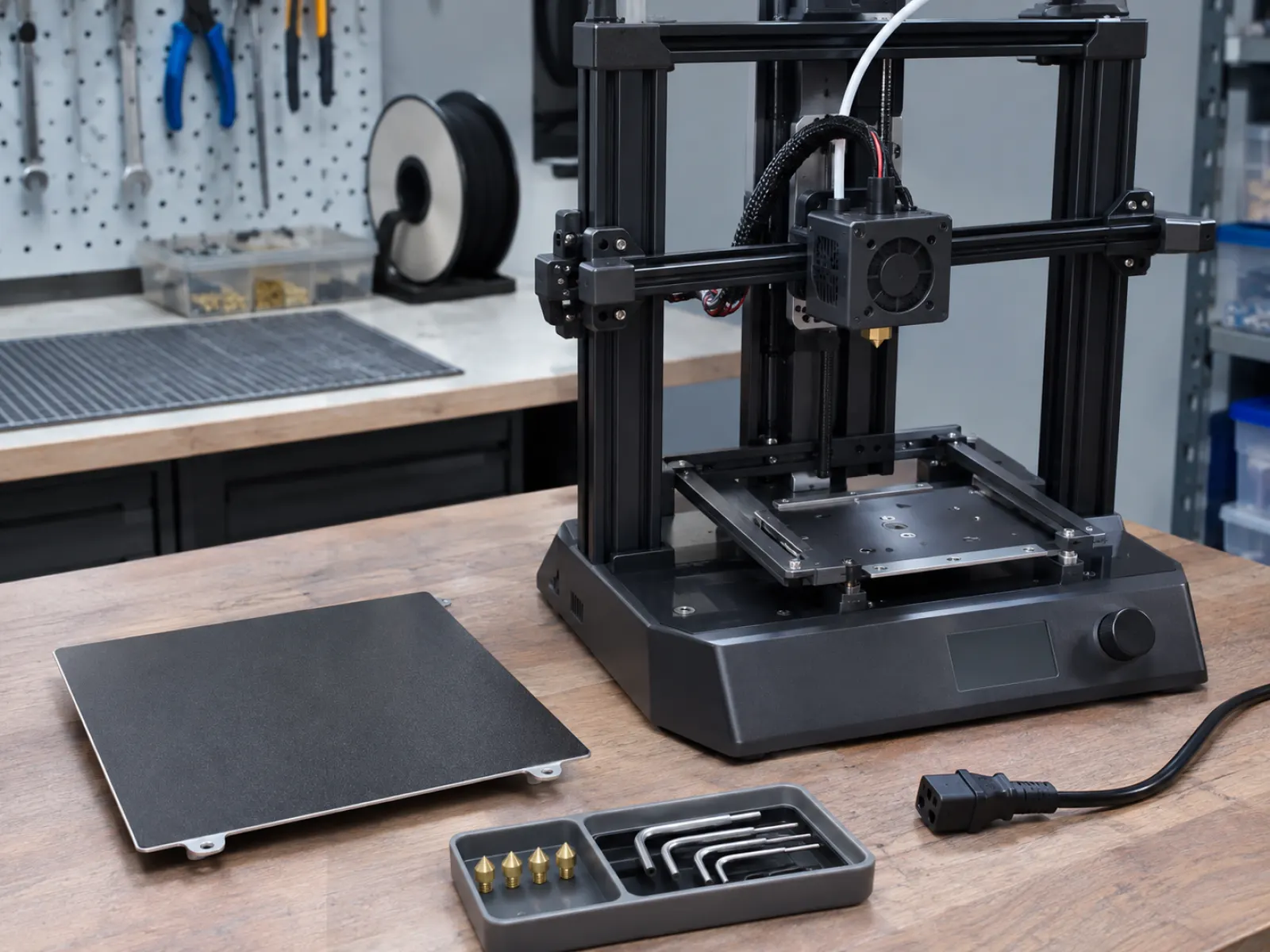
Choose an open machine when easy access, learning, and replaceable parts matter and its configuration supports your materials. Consider an enclosure when your materials call for it and your space, budget, and ventilation can accommodate it. A larger bed helps when you truly print larger parts; it cannot compensate for the wrong material or hard-to-source service parts. For electronics prototypes, a smaller bed may be enough if you design the enclosure as separate panels.
Before ordering, write down part dimensions, primary filament, enclosure and filtration needs, file format, consumables, replacement parts, footprint, delivered price, and warranty. If a model misses an essential requirement, ask the manufacturer which exact component or limit causes it. For a housing that must isolate hazardous voltage, resist fire, carry a critical load, or protect someone, do not assume a printed part replaces a certified component or purpose-designed enclosure.
Frequently asked questions
What size 3D printer do I need for a workshop?
Measure the parts you will actually print and compare them with printable volume in the planned orientation. Allow room for supports, and choose a larger printer only when your parts exceed the available area.
Can PLA or PETG be used for an electronics enclosure?
The right material depends on heat, mechanical loads, and the environment. Check the exact filament’s specifications; for mains voltage or a safety function, use an appropriately certified enclosure instead of an unqualified print.
Do I need an enclosed 3D printer for ABS?
Requirements vary by printer, filament, and profile. Use only materials listed for that exact configuration and account for ventilation and NIOSH recommendations.
What are the ongoing costs of an FDM printer?
Include filament, nozzles, build plates, wear parts, shipping, tax, ventilation, and maintenance time. Compare kit and assembled versions and confirm parts are available for your specific model.
Next step
Compare the slicer and file formats before you pick a printer. For electronics enclosure projects, see our guide to identifying unmarked SMD components and the SMD resistor code calculator.
Sources
- Prusa, Original Prusa MK4S specifications and US store price, accessed November 16, 2026.
- Prusa Knowledge Base, MK4S material guide, accessed November 16, 2026.
- Bambu Lab, P2S launch and specifications, published October 14, 2025; accessed November 16, 2026.
- CDC/NIOSH, Approaches to Safe 3D Printing, publication 2024-103, accessed November 16, 2026.
Last updated: November 16, 2026.
Be the first to leave a comment.