Quick answer: record the exact code and full washer model. LG publishes separate lists for front-load and top-load machines; follow the matching model manual before opening a filter or restarting a cycle.
Symptoms · Diagnosis table · Front-load codes · Top-load codes · Safe steps · When to call · FAQ · Sources
Symptoms: a code, stopped cycle, or unusual indicator
An LG washer may show an alphanumeric code, pause a cycle, fail to fill, leave water in the tub, skip spinning, or report a door-lock issue. Record the display exactly, including case and characters that look alike. Do not automatically apply a front-load code list to a top-load washer.
Some displays are not faults. CL is the child/control lock on applicable models. tCL or tcL reminds you that a tub-clean cycle is due. The label and way to dismiss it depend on your washer's controls.
Quick diagnosis table
| Symptom | Likely cause stated by LG | Next action |
|---|---|---|
| IE, E02, or E10; slow filling | Water did not reach the expected level within the allowed time | Check the water supply and visible hoses; consult the manual before disconnecting anything. |
| OE, E03, or E21; water remains in the tub | Drainage problem, kinked hose, or blocked filter | Inspect the visible drain hose; open a filter only if the manual says it is user-accessible. |
| UE; uneven or interrupted spin | Unbalanced load or washer stability issue | Redistribute laundry and stop if the washer moves or bangs. |
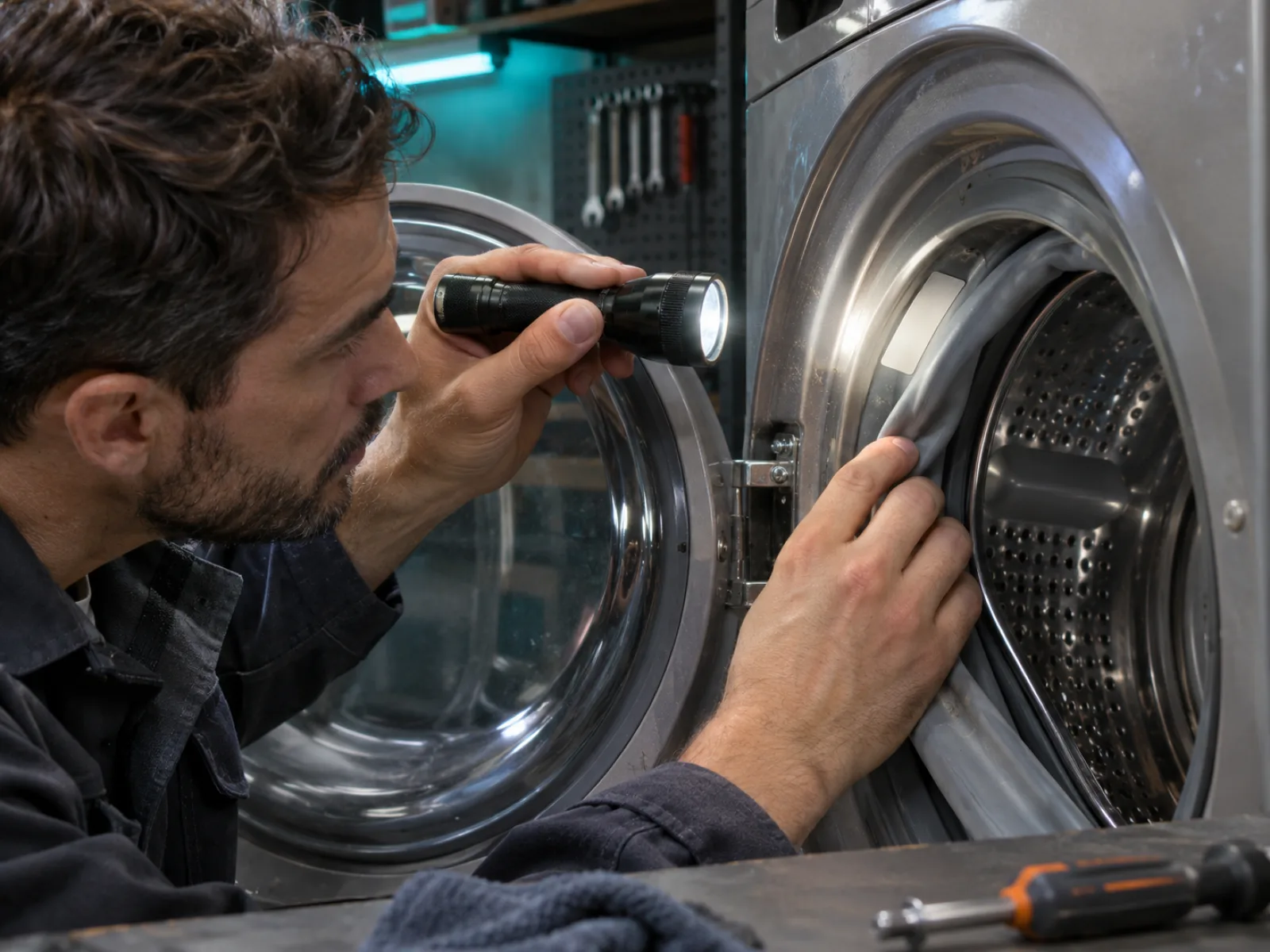
| dE/dE1/dE2; door will not lock | Door not shut, laundry caught in the seal, or lock not confirmed | Gently clear the seal and close the door without forcing it. |
| AE/LE/LE1 on a top-load model | Rotation obstruction; an object can lodge between the wash plate and tub | Disconnect power before any permitted visual check; request service if it is not accessible. |
| Persistent code with a leak, odor, or mechanical noise | Possible fault that needs inspection | Stop the washer and contact an LG technician. |
LG front-load washer error code list
LG maintains a separate code page for front-load models and groups several variants under one explanation. The table below follows the families LG lists. Confirm the exact meaning and permitted actions in the documentation for your model.
| Codes grouped by LG | Meaning or first clue |
|---|---|
| OE, E03, E21 | Water-drainage issue. LG lists a kinked drain hose or clogged pump filter among possible causes. |
| IE, E02, E10 | Water-inlet error: the tub did not reach the required level in time. Check the supply and visible hose. |
| UE | Load imbalance or leveling concern, depending on the model. |
| CL | Child/control lock, not necessarily a fault. The button combination varies. |
| LE | Tub fails to spin; overload or a foreign object are among the causes LG describes. |
| tCL / tcL | Tub-clean reminder, not a fault. Run the indicated cycle if available on the washer. |
| dE, dE1, dE2, E01, E30 | Door not closed or not locked, depending on the variant. Check for laundry caught in the seal. |
| CE | Motor-circuit overcurrent according to LG; if it returns after the manual's procedure, request service. |
| Sud | Excess suds detected; follow the detergent guidance in the product manual. |
| Cd | On relevant washer-dryer models, a cool-down phase after drying; not necessarily a fault. |
| FE, E04, E12 | Overfill condition. If water continues entering or leaks, stop the appliance and get help. |
| PE, E33 | Water-level sensing family; do not dismantle the washer or test a sensor while powered. |
| PF | Power interruption during the cycle; recurring codes need an appliance and supply check. |
| tE | Heating/temperature-sensing error. Internal work belongs to a technician. |
| dHE, HE | Drying or heating-related families on applicable models. |
| SE | Sensor-error family reported by LG. |
| AE | Leak-detection condition on applicable models; stop if water is visible. |
| vS, uS | Vibration-sensor family. |
| FF, u51 | Freeze-related family on listed models; do not apply direct heat. |
| OPn, Ed1, Ed2, Ed3, Ed4, Ed5 | Other displays listed by LG. Match the exact message to the manual instead of guessing a part. |
This list follows the families on the LG support page consulted. It does not mean every variant appears in every market. A display can render similar characters differently. If a code is absent from your washer's manual, give its full model number to LG Support.
LG top-load washer error code list
LG publishes a different list for top-load washers. This table preserves the families and labels on that page. Do not replace the top-load descriptions with front-load meanings just because the displays look similar.
| Top-load code(s) | LG's listed label or clue |
|---|---|
| AE | Gear-rotation error. |
| LE, LE1 | Motor locked; an object may be caught between the wash plate and tub. |
| IE | Water-inlet error. |
| OE | Water-outlet/drain error. |
| UE | Unbalanced load. |
| dE | Door error. |
| tE | Temperature-sensor error. |
| vS, uS | Vibration-sensor family. |
| dL | Door not locked. |
| PE | Pressure-sensor error. |
| FE | Overfill error. |
| E3 | Drain-motor error on this top-load list. |
| FF | Freeze failure. |
| PF | Power failure. |
| CL | Child/control lock. |
| tCL | Tub-clean reminder, not a fault by itself. |
One important difference is visible in LG's own lists: the top-load page labels E3 as a drain-motor issue, while the front-load page groups E03 with OE drainage codes. The washer type and exact code spelling matter.
Safe troubleshooting: simplest checks first
Record the code and cycle stage. Photograph the display and note whether it appeared during filling, washing, draining, or spinning. Do not read
IEas1Ewithout comparing the manual.Check: you have the full code and observed behavior. If it didn't work: photograph the display when it returns; do not open the control panel.
Find the complete model number and washer type. Look for the appliance label where it is safely accessible. Use the LG product page to open the model manual. Do not pull out a heavy, built-in, or stacked washer alone to reach a hidden label.
Check: the LG support page recognizes the exact model and links its manual. If it didn't work: send a label photo to LG Support; do not post the serial number publicly.
Match the code to the right washer list. Choose front-load or top-load and confirm spaces, suffixes, and variants in the manual. Do not order a part based on a code alone.
Check: the model manual describes the same code and symptom. If it didn't work: contact LG with a display photo and full model number.
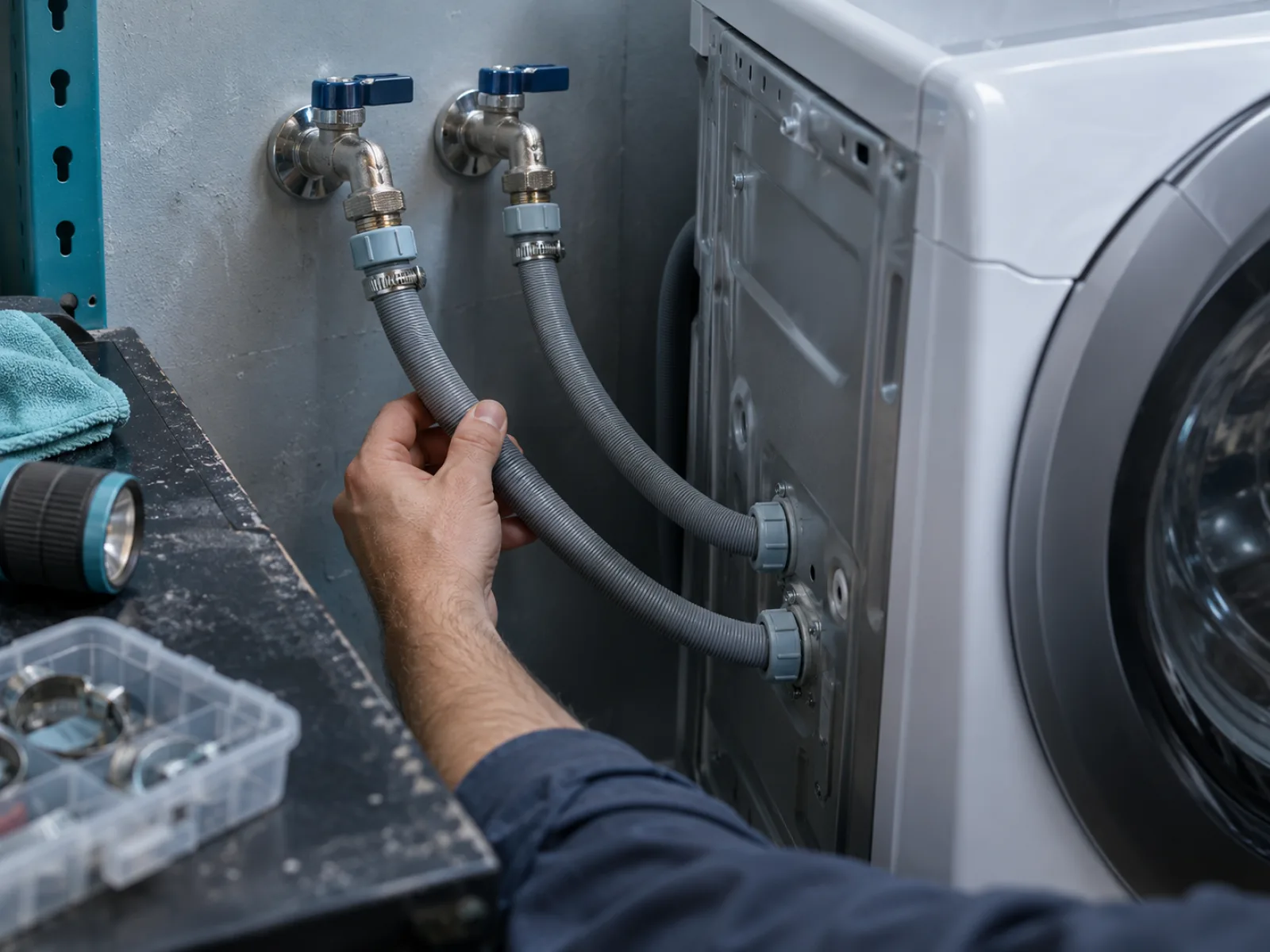
Inspect visible and accessible items only. For IE, check that water is available and a visible hose is not pinched. For OE, look for a crushed visible drain hose. For UE, redistribute laundry. For dE, gently clear fabric from the seal. Do not open a pressurized connection or dismantle the machine.
Check: an obvious external issue was corrected without leaks, unusual noise, or appliance movement. If it didn't work: stop and follow the manual's service guidance.
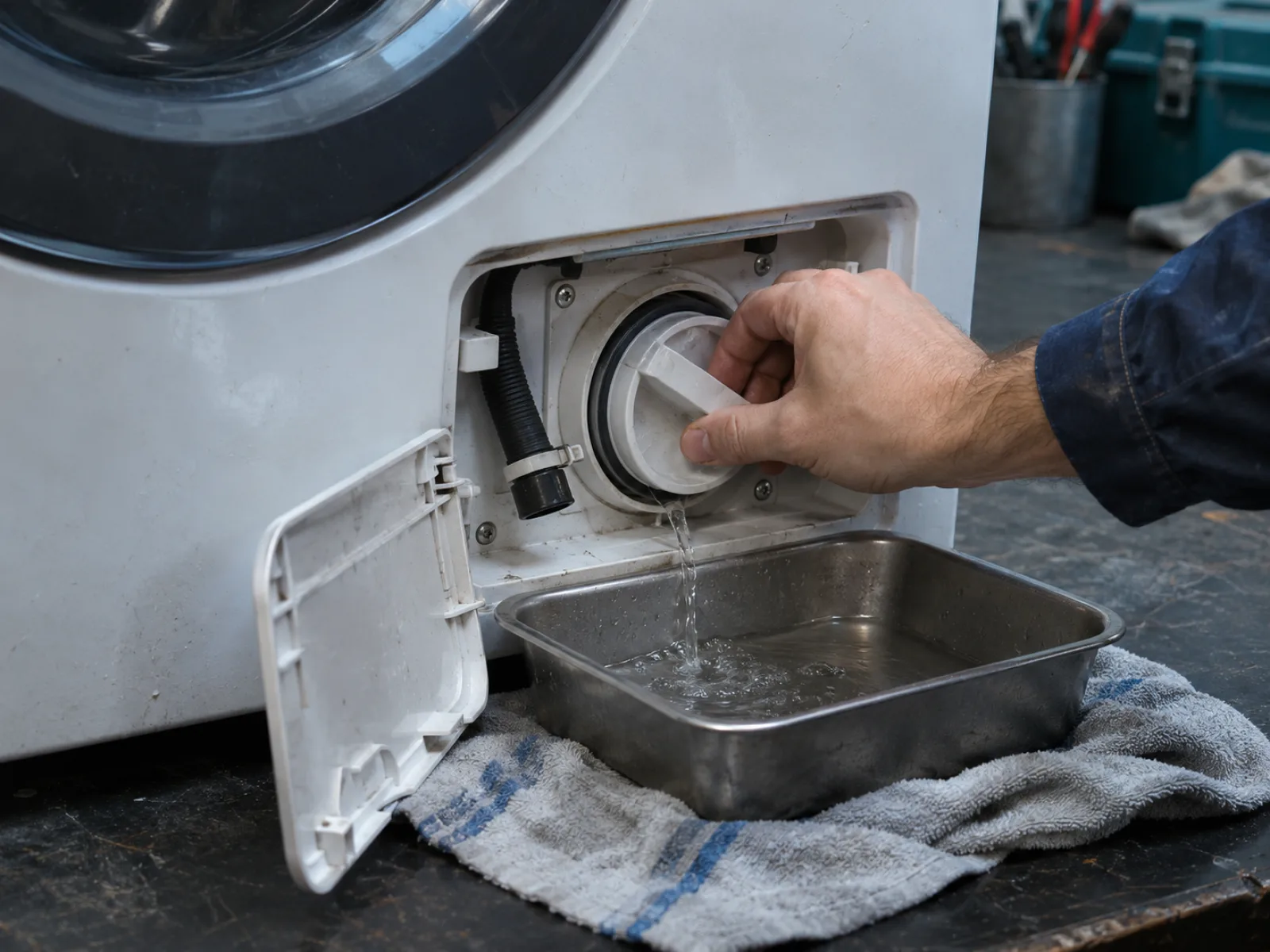
Open a filter only when the manual identifies it as user maintenance. Switch off and unplug before accessing any part the manual permits. Residual water may be hot; prepare a shallow tray and towels. Never force a stuck cap.
Check: the filter is secured as described and no leak appears during the check. If it didn't work: do not remove a panel; arrange service.
Retry one cycle recommended by LG. Do not keep resetting the washer if the code returns. Record the result and when it reappears.
Check: the cycle finishes without the code, leak, or unusual noise. If it didn't work: stop the washer and give LG Support the code, model, and observations.
When to stop and call a technician
Stop immediately for an active leak, water near an outlet or cable, burning smell, hot plug, tripped breaker, grinding noise, locked drum, or recurring code tied to heating, the motor, a sensor, or the door lock. Do not touch a wet area while the washer is powered. If you cannot reach the electrical disconnect without crossing water, step away and call a professional. Mains voltage, capacitors, and internal live measurements are not home checks.
Give the technician the model number, exact code, cycle stage, water on the floor, and checks already completed. Describe what you observed; do not conclude that a pump, board, or sensor has failed.
Two LG model-specific documentation examples
LG WM3400CV.ASSEVUS: LG's official product page identifies this as a front-load washer and provides access to its manual. For a code on this model, start with that manual and use the front-load list only if it contains the code. The support page does not provide before/after measurements or a repair tested by ElectronixLab.
LG WT6001HV.ASSEEUS: LG's official product page identifies this as a top-load washer and provides its manual. A code such as E3 should be compared with the top-load list for that family, not the front-load table. The documentation reviewed does not publish a measured value or repair result for this case.
These references show why the tub style and manual matter. They are not repairs performed by ElectronixLab.
FAQ
What does IE mean on an LG washer?
LG groups IE with E02 and E10 on its front-load list for a water-inlet issue. The top-load page lists IE as an inlet error. Check the model manual before inspecting taps or visible hoses.
Do OE and E3 mean the same thing?
Not necessarily. The front-load page groups OE, E03, and E21 with drainage problems; the top-load page labels E3 as a drain-motor error. The code format and washer type matter.
Is CL a washer fault?
LG describes CL as a child/control lock on applicable models. The button combination varies, so check the manual instead of trying random controls.
Why does UE keep returning?
The load may remain unbalanced or the washer may not be stable. Rearrange the laundry as the manual directs. Stop if the tub bangs or the appliance moves.
Can I clean the filter after an OE code?
Only if the model manual identifies the filter as user-accessible. Unplug before permitted maintenance, prepare for residual water, and do not use a tool to force the cap.
Related guides and next step
- LG washer OE error when the pump runs
- Washer will not spin: diagnosis
- Washer drains slowly without an error code
- Search the ElectronixLab error-code tool
Official LG sources
- LG Front Load Washer — Error Code List (accessed November 7, 2026).
- LG Top Load Washer — Error Code List (accessed November 7, 2026).
- LG Front Load Washer — OE error code (accessed November 7, 2026).
- LG WM3400CV.ASSEVUS — support and manual (accessed November 7, 2026).
- LG WT6001HV.ASSEEUS — support and manual (accessed November 7, 2026).
Be the first to leave a comment.