A USB-C cable’s connector does not tell you whether it can safely carry 3 A or 5 A. The e-marker is an identification chip inside certain USB-C cables; a compatible source and sink can read cable capabilities before offering or requesting power. For a user comparing 3 A with 5 A charging, the practical point is simple: a USB-C cable rated for more than 3 A requires electronic marking, but the chip alone does not make a charger, laptop or phone draw more current.
What the e-marker does
During USB-C connection setup, the source, sink and cable exchange information over the configuration channel. A marked cable can report supported current and other characteristics. The power source and device still negotiate a valid operating point within their own limits. An e-marker does not convert voltage, regulate the load, repair a damaged wire, or guarantee that the cable is certified for every advertised data rate.
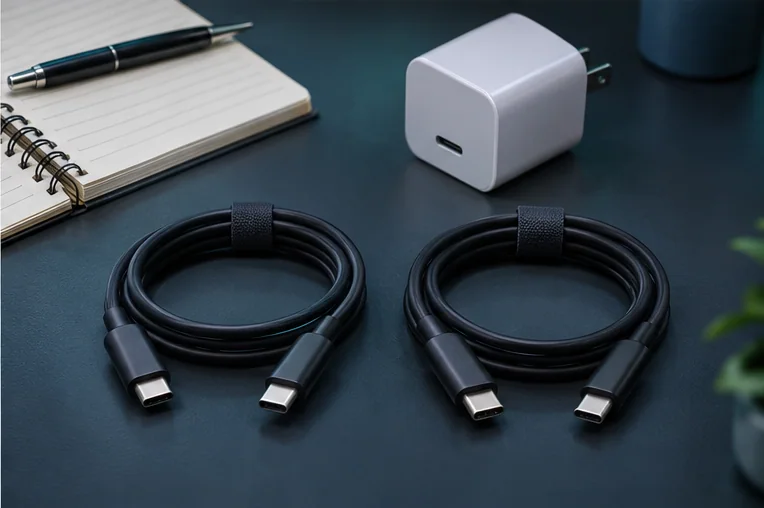
Some USB-C cables carry power and only limited data; others support high-speed data or alternate modes. Full-featured cables have their own requirements. Do not assume that “has an e-marker” means “supports every USB-C feature,” or that “no e-marker” means “unsafe.” A compliant 3 A cable can be unmarked; a cable that claims 5 A needs the required electronic identification. The manufacturer’s exact cable specification remains the reference.
Compare 3 A and 5 A without mixing voltage and current
Current alone is not the power rating. Power is voltage multiplied by current. At 20 V, 3 A corresponds to 60 W and 5 A to 100 W. These are arithmetic examples, not a promise that a particular laptop will charge at those levels. The source, cable and device must support a compatible USB Power Delivery contract, and the device may draw less because of battery state, temperature, system load or its own design.
| Cable capability | Typical interpretation | What must also be true |
|---|---|---|
| Up to 3 A | Can carry current within its specified limits; an e-marker is not required solely for this current rating | Charger and device agree on a supported power profile; cable is undamaged and correctly specified |
| Above 3 A, up to 5 A | USB-C cable needs electronic marking so the connection can identify its capability | Source, device and cable all support the negotiated current and voltage |
| USB PD Extended Power Range | Higher power can use higher supported voltages while remaining within cable and system limits | Every component explicitly supports the same EPR mode; do not infer it from a 5 A claim alone |
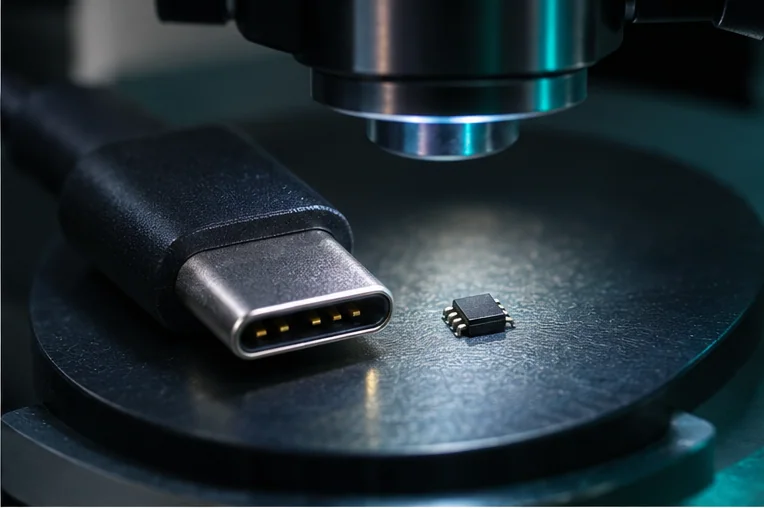
The 20 V examples are often useful for ordinary USB PD comparisons, but USB PD Extended Power Range (EPR) can use higher voltage levels on equipment designed for EPR. A 5 A cable rating by itself does not prove EPR support. Check the cable’s voltage/EPR rating, the charger’s published profiles, the device’s input specification and any restrictions in their manuals. Never use a trigger board or improvised adapter to force a higher voltage into a device.
How to check a cable’s claim
1. Identify the exact cable
Read the package, product page or manufacturer datasheet for the cable model, current rating, voltage range, supported data mode and any EPR statement. Keep the exact part number; a brand name may sell several visually identical cable versions. A color, connector shell or printed wattage is not enough by itself.
2. Check all three participants
Look up the charger’s output profiles, the device’s accepted input and the cable’s rating. The negotiated result cannot exceed the capability of the weakest participant. A charger advertising 100 W does not force 100 W into a phone or laptop, and a 5 A cable cannot upgrade a 3 A-only charger or sink.
3. Use a compatible cable tester if needed
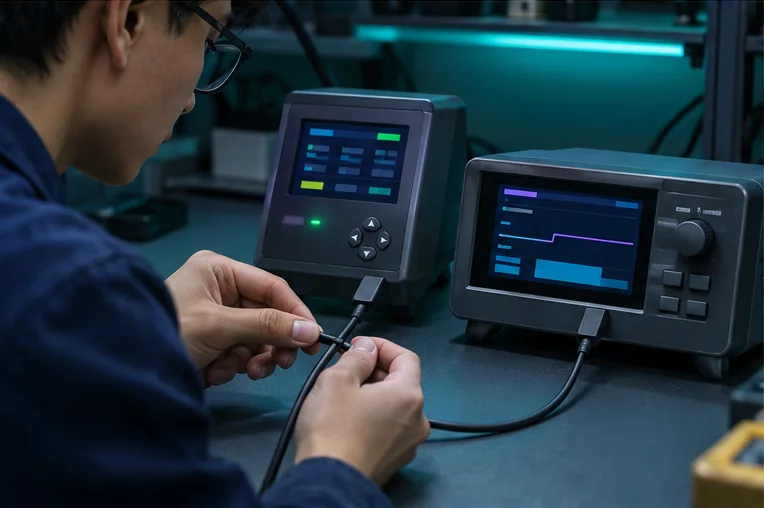
A purpose-built USB-C cable tester or protocol analyzer may report whether a cable is electronically marked and which capabilities it advertises. Follow the instrument manual and use a tester rated for the cable and power mode. Some simple continuity testers cannot read e-marker data; a pass light or continuity beep does not confirm a 5 A rating.
4. Compare charging under controlled conditions
Use the same device, charger, outlet, battery state and workload, then substitute one known-good cable. Record the device’s own charging indication and any tester data without treating a momentary wattage as a cable specification. Charging power can change as the battery fills or the device warms up.
Why charging may stay below the cable rating
The cable is only one part of the system. A USB-C charger may expose multiple power profiles; the laptop or phone requests only profiles it supports. The cable may be limited to 3 A, the device may be near full charge, thermal management may reduce power, or a dock and adapter may change the path. A USB meter can also alter a negotiation if it does not support the mode or pass-through behavior required by the setup.
Do not infer cable current from a phone’s battery percentage, a USB port’s label, or the external charger’s maximum wattage. If a 5 A cable is reported as 3 A, confirm the tester’s support for e-marker reading and inspect the source/device profile first. If the connector becomes hot, the cable is damaged, or power repeatedly disconnects, stop using it and replace it with a reputable cable matching the equipment maker’s specification.
Common misunderstandings
- An e-marker is a capability identifier, not a power booster.
- USB-C describes a connector; it does not promise a particular charging speed or data rate.
- A 5 A claim needs appropriate electronic marking, but the connected equipment must also support the negotiated power.
- A cable with an e-marker may still be poor quality, damaged, counterfeit or unsuitable for a claimed data mode.
- Not every USB tester can read the chip, and a continuity test cannot confirm the current rating.
Frequently asked questions
Does every USB-C cable contain an e-marker?
No. The marking requirement depends on the cable’s capabilities and rating. A compliant cable limited to 3 A does not need a marker merely to carry that current.
Can an e-marked cable make my phone charge at 5 A?
No. The source and phone must support a matching power contract, and the phone controls its draw. The marker only reports cable capabilities to the connection.
Is 5 A always 100 W?
No. Power also depends on voltage. Five amperes at 20 V is 100 W; EPR can use other voltages on compatible equipment. Check the complete specification rather than multiplying a cable’s current rating by an assumed voltage.
Can I identify an e-marker by looking at the plug?
Usually not reliably. Use the manufacturer’s model data or a tester that explicitly supports e-marker reading.
Technical sources consulted
- USB Implementers Forum — USB Type-C Functional Test Specification (cable marking and compliance terminology).
- USB Implementers Forum — USB Power Delivery and Extended Power Range (USB PD power modes and EPR context).
Sources checked 6 November 2026. Confirm a specific cable’s ratings against its exact manufacturer model and the equipment specifications.
Be the first to leave a comment.