A completely dark induction cooktop is different from a cooktop that lights up but does not detect a pan. Start with the symptom: no display, beep or indicator when the On key is touched. Check the control surface, lock state and household supply before suspecting an internal power board. Never open or measure an installed cooktop while energized; it is a high-power, often hard-wired appliance.
Confirm what “will not turn on” means
| Observation | Branch | Next check |
|---|---|---|
| Completely dark and silent | Supply, connection or internal low-voltage power | Panel and controlled reset |
| Lock symbol or beep | Control lock or wet surface | Dry panel and use model unlock |
| Display works, pan symbol flashes | Pan detection, not no-power | Use the separate heating guide |
| Trips breaker | Electrical fault or connection | Leave isolated; technician |
Record what happened before failure: installation, outage, spill, cleaning, overheating, breaker trip or gradual intermittent response. Photograph any code before resetting. If the display works but cooking zones only flash, use the existing induction hob flashes but does not heat guide.
Immediate safety limits
Stop for smoke, burning smell, cracked glass, liquid below the glass, repeated breaker operation, buzzing from the connection box or a hot electrical panel. Switch off the dedicated circuit if it is clearly identified and safe to operate. Do not repeatedly reclose a breaker that trips. Do not lift the cooktop, remove covers or probe terminals.
Induction modules rectify mains voltage and contain capacitors that may retain hazardous energy. A dark display does not prove the appliance is de-energized. Internal voltage, insulation and connection tests belong to a qualified technician using the exact wiring information.
Dry and clear the touch controls
Remove pans and objects, let the glass cool, then dry the complete control area with a clean microfiber cloth. Electrolux notes that water and grease can prevent response, while anti-overflow functions on some models disable controls. Touch the key with a dry fingertip for the duration stated in the manual; do not press many keys at once.
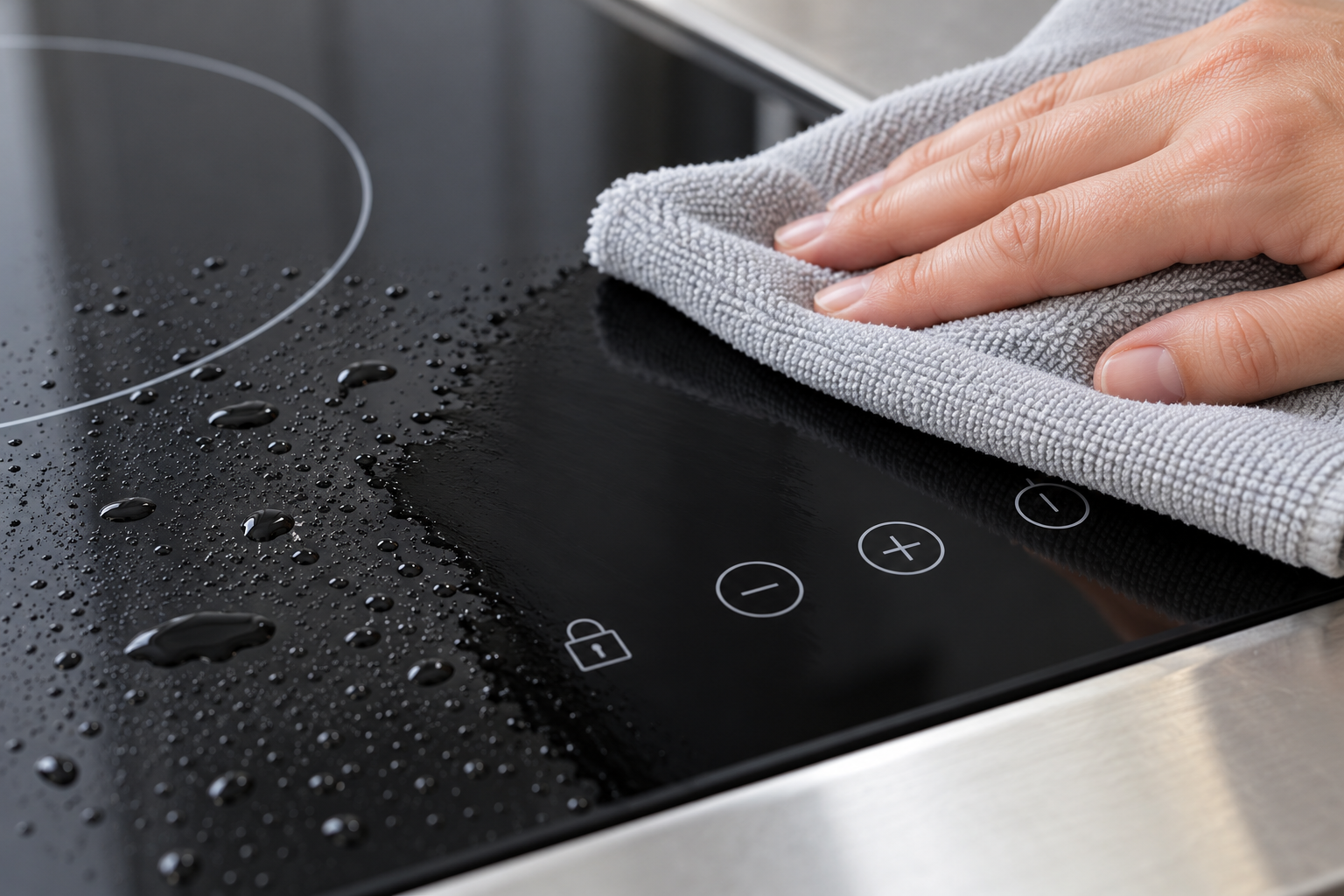
Check child lock using the exact manual
A lock can make a working cooktop appear dead or unresponsive. Bosch describes model-dependent unlocking, commonly holding a key or On/Off control for several seconds. Electrolux likewise directs users to the child-lock instructions. Find the model reference below the appliance documents or installation record and follow its sequence; do not copy a random combination.
If a lock symbol appears, power is reaching at least part of the interface. If no symbol or beep exists, continue to supply checks. A lock that returns after every power cycle may be a stored safety setting, not a failed board.
Inspect the household electrical panel
Check whether the oven, sockets or other circuits are also off. Identify the cooktop breaker from the panel label rather than guessing. If it is visibly tripped, note whether the failure followed a spill or installation. Reset it once only when there is no smell, moisture, damage or repeated trip and the manufacturer’s guidance permits it. A second trip is a stop condition.
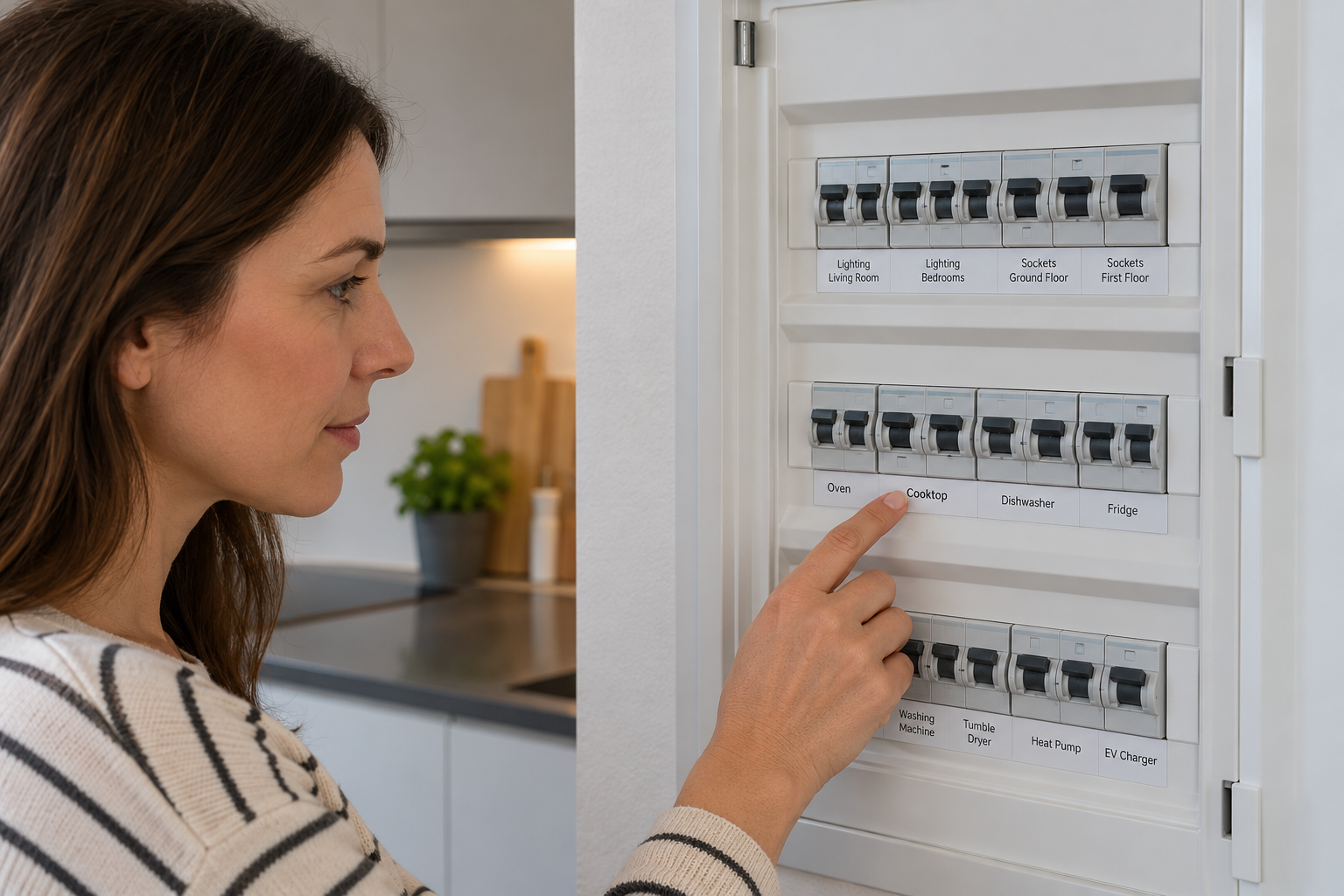
A breaker can look on while one supply phase, connection or upstream device is missing. Do not infer that the appliance has correct power from lever position alone. Electrolux advises checking supply and installation and does not require physically pulling out a built-in appliance for basic troubleshooting.
Perform one controlled power reset
- Remove cookware and dry the controls.
- Record codes and settings.
- Switch off the clearly identified cooktop circuit.
- Wait at least the time stated by the manufacturer; Electrolux commonly specifies 30 seconds.
- Restore power once and observe the display without starting a zone.
If the interface wakes, set the clock or unlock only as the manual requires, then test one compatible pan. If it remains dark, do not cycle power repeatedly. If it wakes and fails again after heating, cooling or ventilation becomes relevant.
Ventilation and thermal shutdown
An induction cooktop needs unobstructed cooling below the worktop. A drawer packed against the underside, blocked grille, incorrect clearances or failed fan can cause thermal protection. After isolation, visually inspect accessible cabinet space without removing electrical covers. Compare clearances with the installation guide.
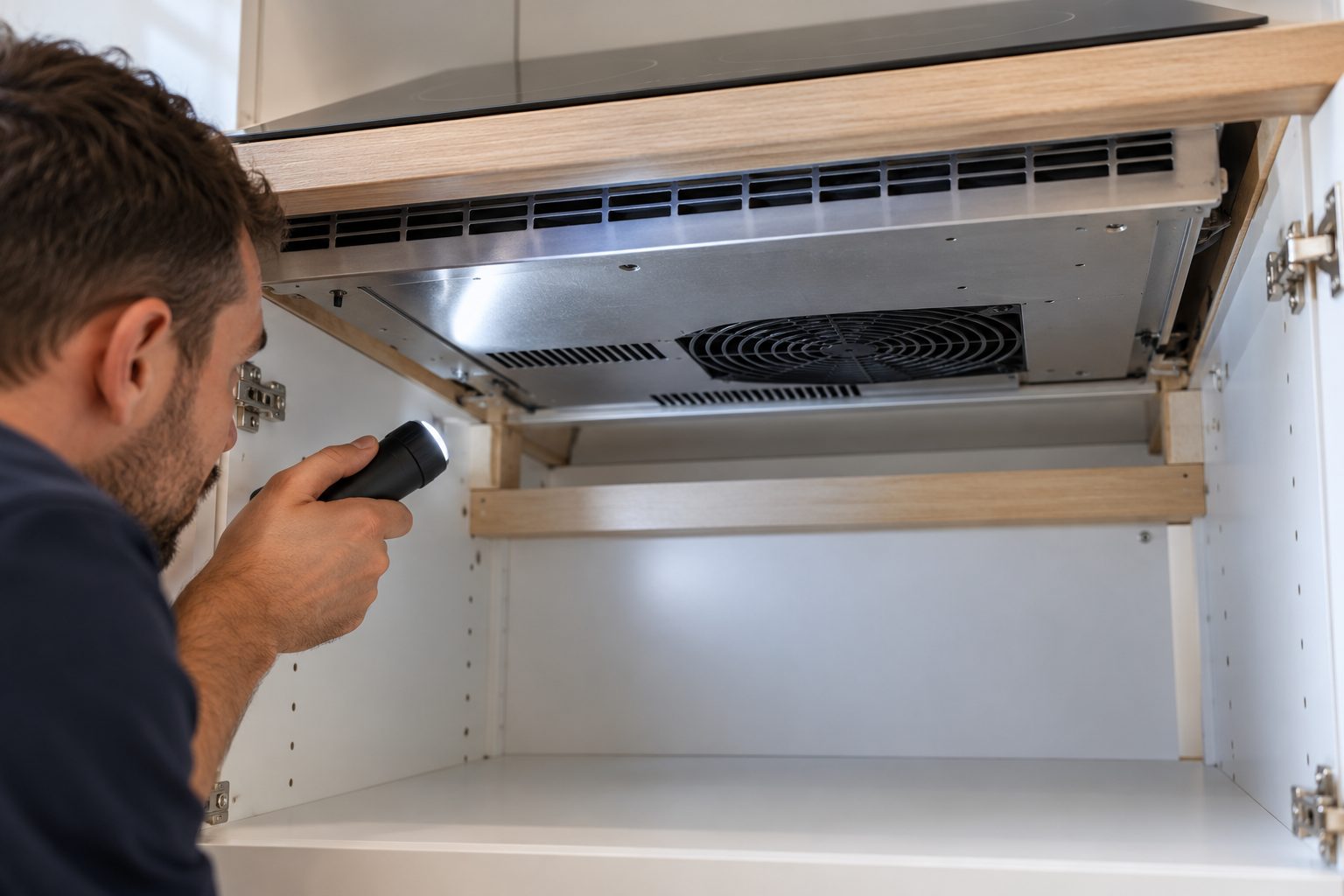
Thermal shutdown usually has context: high load, hot oven below, fan noise stopping, or recovery after cooling. A cooktop that is cold, permanently dark and supplied correctly needs professional diagnosis rather than ventilation guesses.
New installation versus established appliance
For a new or recently moved cooktop, incorrect terminal configuration, missing bridge or unsuitable supply is more plausible. Electrolux associates some faults with incorrect connection and instructs users not to reconnect until safe. Installation must be checked against the model diagram by a qualified person.
For an established appliance that suddenly went dark, likely branches include supply loss, loose or heat-damaged connection, interface power supply, filter/fuse components, control harness or power module. These are not user-serviceable conclusions. A technician should verify incoming supply, connections, insulation and low-voltage rails in a safe sequence.
Decision table
| Result | Meaning | Action |
|---|---|---|
| Works after drying | Touch obstruction likely | Prevent spills over controls |
| Shows lock | Supply present; lock active | Model-specific unlock |
| Works after one reset | Transient control state | Monitor; record recurrence |
| Trips again | Electrical fault possible | Isolate and service |
| Still dark with confirmed supply | Connection or electronics | Qualified diagnosis |
Frequently asked questions
Can the pan cause a totally dark display?
No. An unsuitable pan affects detection after the interface powers up; it does not normally remove every indicator.
Should I replace the power board?
Not from a dark display alone. Supply, connection, interface supply and harness must be verified first.
Can I test the wiring with a multimeter?
Not as a household check. The appliance is high power and may retain hazardous voltage.
When should I call a technician?
For repeat tripping, smell, heat damage, cracked glass, a failed new installation, or a dark cooktop after safe external checks.
Sources
- Electrolux France, cooktop does not turn on, accessed October 31, 2026.
- Electrolux France, controls and lock, accessed October 31, 2026.
- Bosch France, cooktop FAQ and lock, accessed October 31, 2026.
- Bosch France, induction cooktop support, accessed October 31, 2026.
Use the failure timeline to narrow the branch
A cooktop that has never worked after installation is not the same case as one that operated for years and suddenly became dark. For a new installation, preserve the installer’s paperwork, model reference, supply type and first observed behaviour. Do not alter terminal bridges or cable connections yourself. A connection can appear mechanically complete while being electrically wrong for the property supply or appliance diagram.
After a household outage, ask whether the failure coincided with restoration of power and whether other appliances lost settings. After a spill, note whether liquid crossed the control area or reached the worktop cut-out. After a long cooking session, record which zones and power levels were used, whether the fan ran, and whether the interface returned after complete cooling. After cleaning, distinguish a damp control surface from liquid that may have entered below the glass. This timeline prevents unrelated events from being treated as confirmed causes.
Why a breaker position does not confirm correct supply
Built-in cooktops may be connected to different permitted supply arrangements depending on country, model and installation. A missing conductor, damaged terminal, open protective device or incorrect bridge can leave the interface dark or produce partial operation. The closed breaker lever only shows its mechanical position. It does not verify voltage at the appliance, conductor integrity, polarity, neutral condition, terminal temperature or insulation.
Those checks require safe isolation, proving dead, access to a high-current connection and model-specific interpretation. They are therefore professional work. Do not use a non-contact voltage pen as proof that the cooktop is correctly supplied; it may indicate an electric field without demonstrating a usable circuit. Likewise, do not move the cooktop to reach a plug unless the manufacturer explicitly designed it as a plug-connected portable installation.
Interpret sound, fan behaviour and partial signs
| Observation | What it suggests | Limit |
|---|---|---|
| Brief beep after power restoration | Some interface supply is present | Does not prove power modules are healthy |
| Fan runs with dark display | Thermal management or control state active | Not proof of overheating cause |
| One side displays, other side dead | Supply branch or module issue possible | Needs model wiring and measurement |
| Works only after cooling | Thermal protection becomes relevant | Could involve airflow, fan, sensor or module |
| No sign with confirmed supply | Interface supply, harness or electronics | Component still unconfirmed |
Fan operation after cooking can be normal because components continue cooling. A fan that never starts is not automatically defective; many designs control it by measured temperature and power. The useful observation is repeatability: what load preceded the shutdown, how long cooling took, whether ventilation was obstructed and whether the same sequence returns.
Run a controlled functional check only after recovery
If the cooktop returns after drying, unlocking or one documented reset, do not immediately operate every zone at maximum. First confirm the surface is dry and undamaged. Use one known compatible, flat-based pan on one zone at moderate power. Observe the display, pan detection, fan, unusual sound, smell and stability for a short period while remaining present.
Stop for a code, repeated shutdown, breaker operation, electrical smell, crack, abnormal buzzing or excessive heat at the cabinet. Record the exact zone, power level and elapsed time. A successful short check proves only that the interface and selected zone operated in that condition; it does not certify every power module or eliminate an intermittent connection.
Prepare evidence for a qualified diagnosis
Photograph the rating plate or installation documents and record the complete model, product number and supply information without publishing the serial number. Add the breaker rating and label, installation date, whether an oven is beneath the cooktop, cabinet ventilation clearances, failure timeline, display behaviour, fan behaviour and result of the single reset. Mention any recent electrical work or property outage.
Ask the technician to verify the supply and terminal condition before condemning a control board. A useful diagnosis separates incoming power, protection and connection from the user interface supply, communication, cooling and power modules. Replacing the most expensive board from a dark display alone can miss a loose connection, failed auxiliary supply or installation defect.
Additional mistakes to avoid
- Holding several touch keys randomly and changing stored settings.
- Assuming a dark glass surface is electrically dead.
- Using pan compatibility tests when no interface indicator exists.
- Blocking the cabinet air path with a drawer liner or stored items.
- Resetting a breaker repeatedly after it trips.
- Buying a board before the exact model revision and supply are verified.
Be the first to leave a comment.