Ransomware recovery steps should begin with containment, not a restore button. If files suddenly have unfamiliar extensions, a ransom note appears, or shared folders are changing, stop normal use and disconnect the affected computer from Ethernet, Wi-Fi, VPN, and shared storage. Do not attach a backup drive to a machine that may still be infected. Then identify what is affected, preserve information needed for support or investigation, and decide whether a clean, verified backup is available.
For a home computer, isolate the device and contact a trusted IT professional if the infection continues or the data is important. For a business, school, clinic, or public service, activate the incident-response plan and contact the security team, insurer, legal counsel, and relevant authorities. CISA and the FBI advise victims that paying does not guarantee recovery; payment can also create legal and operational risks. This guide is a practical triage path, not a substitute for incident response or forensic advice.
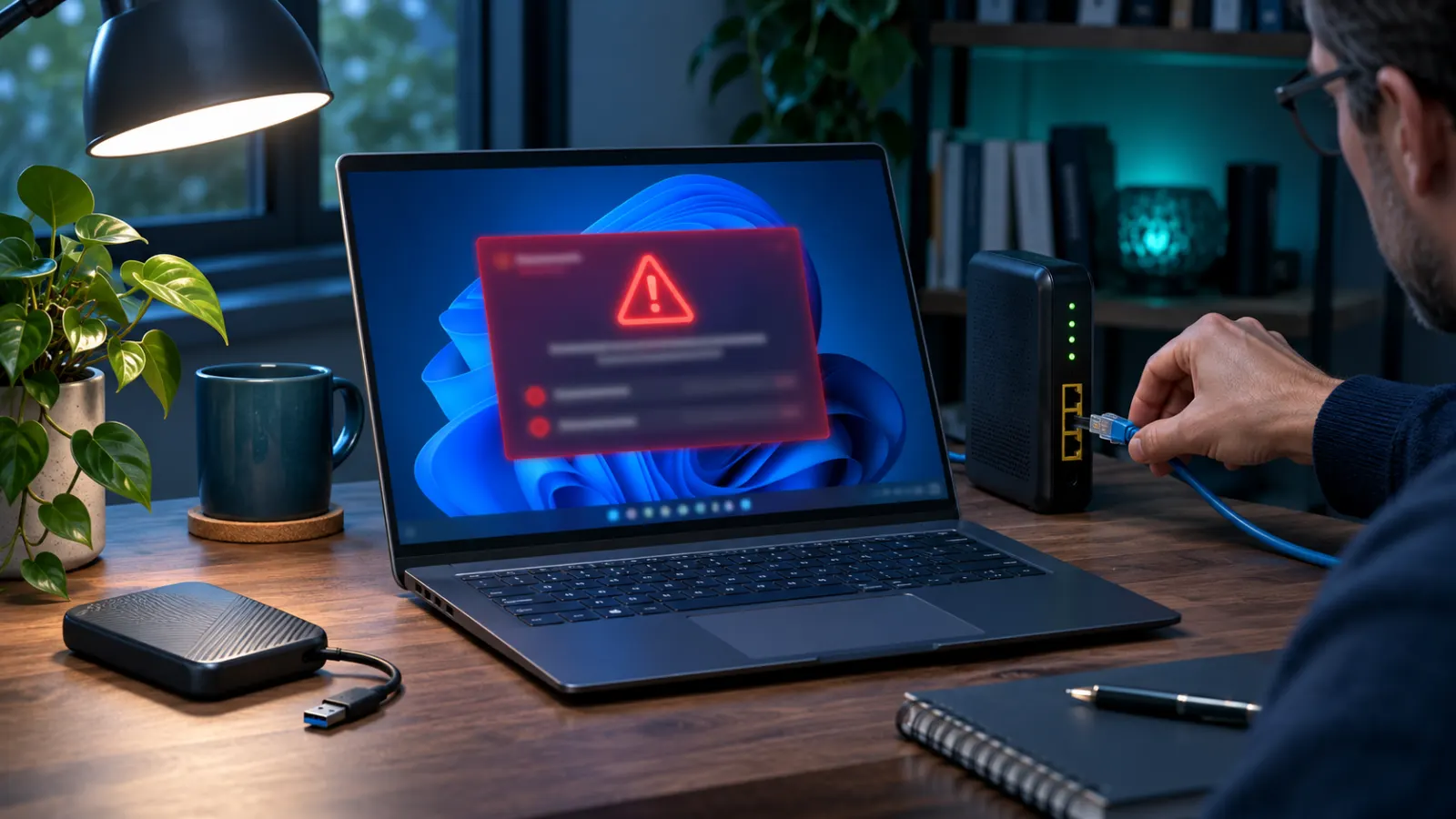
Ransomware troubleshooting: contain the incident safely
- Disconnect affected devices. Unplug Ethernet and remove Wi-Fi access. Disconnect mapped shares, NAS devices, external drives, and other backup media if this can be done safely. Do not browse files or connect new storage from the affected system.
- Protect other devices and accounts. If more than one system or a shared network is affected, a business should coordinate isolation through its incident-response team. From a known-clean device, secure critical accounts and contact the organization’s IT staff. Avoid using the compromised computer to change passwords.
- Do not rush to power off. CISA’s response guidance says to power down only when affected devices cannot otherwise be disconnected, because shutdown can remove volatile evidence. For an individual without response support, prioritize stopping active spread; if you cannot isolate the device, seek immediate professional help.
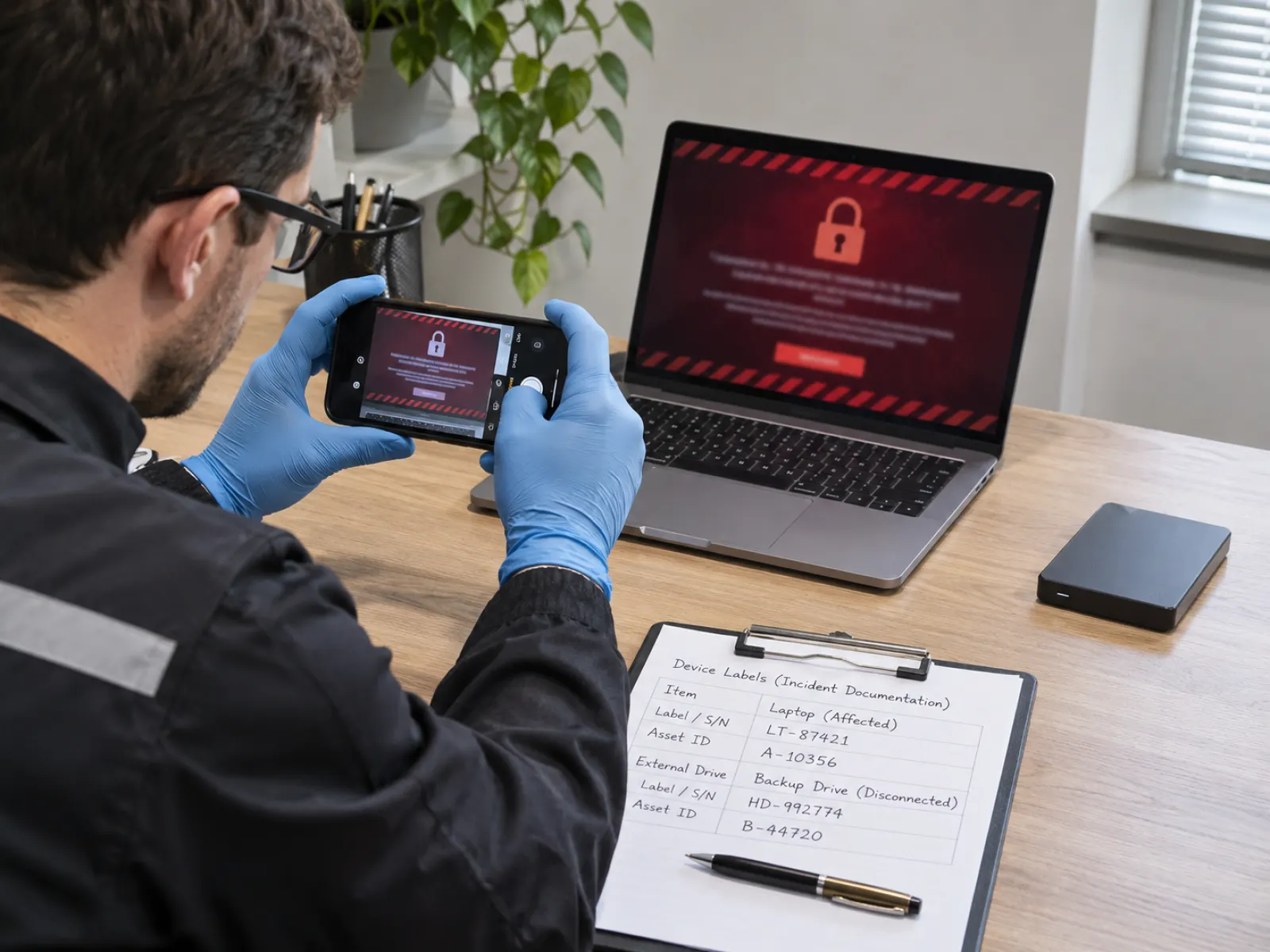
- Do not delete the note or reinstall yet. Photograph the screen with a separate camera, note the time, filenames/extensions, affected device names, and any contact or payment instructions. Avoid opening the note’s links or attachments.
- Do not connect clean backups. Keep offline media disconnected and label it. A ransomware process with access to mounted or writable storage may encrypt or delete those copies too.
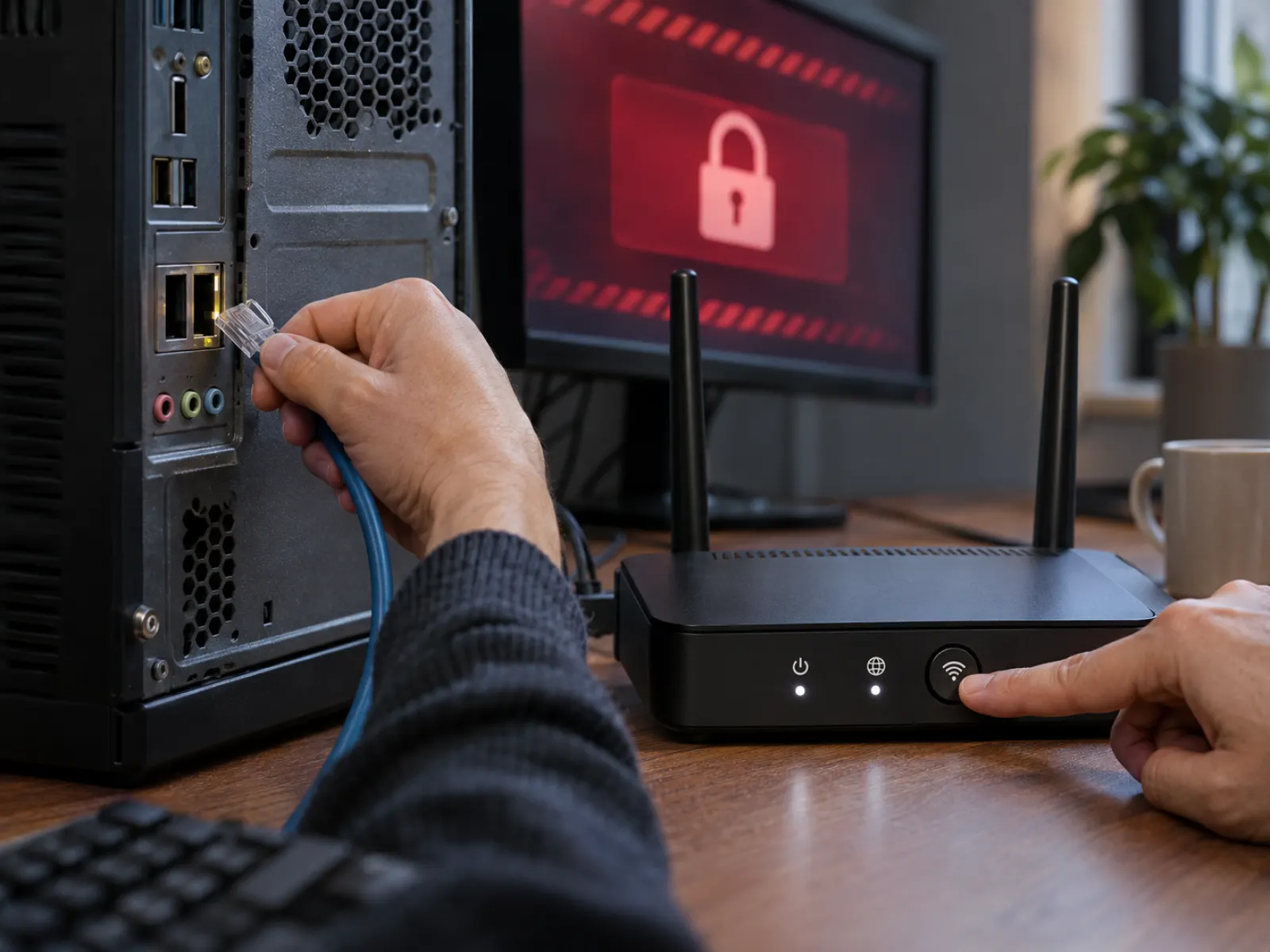
Work out what is affected before restoring
Record which computers, servers, cloud accounts, and shared folders show symptoms. Distinguish encrypted files from files that are merely unavailable because a network share or account is offline. Note whether the machine can still boot, whether the warning returns, and whether other users see changed files. Do not run random “decryptor” downloads or cleanup tools on the original machine; a false positive or destructive change can complicate recovery.
For an organization, follow its incident-response plan and preserve logs and affected systems as directed by the response lead. CISA’s current StopRansomware guidance recommends identifying and isolating impacted systems, prioritizing critical services, and using coordinated communications. For a home user, keep a written timeline and a photo of the screen for a repair professional. If the files are legally, financially, or professionally important, ask about preserving evidence before reimaging or wiping a device.
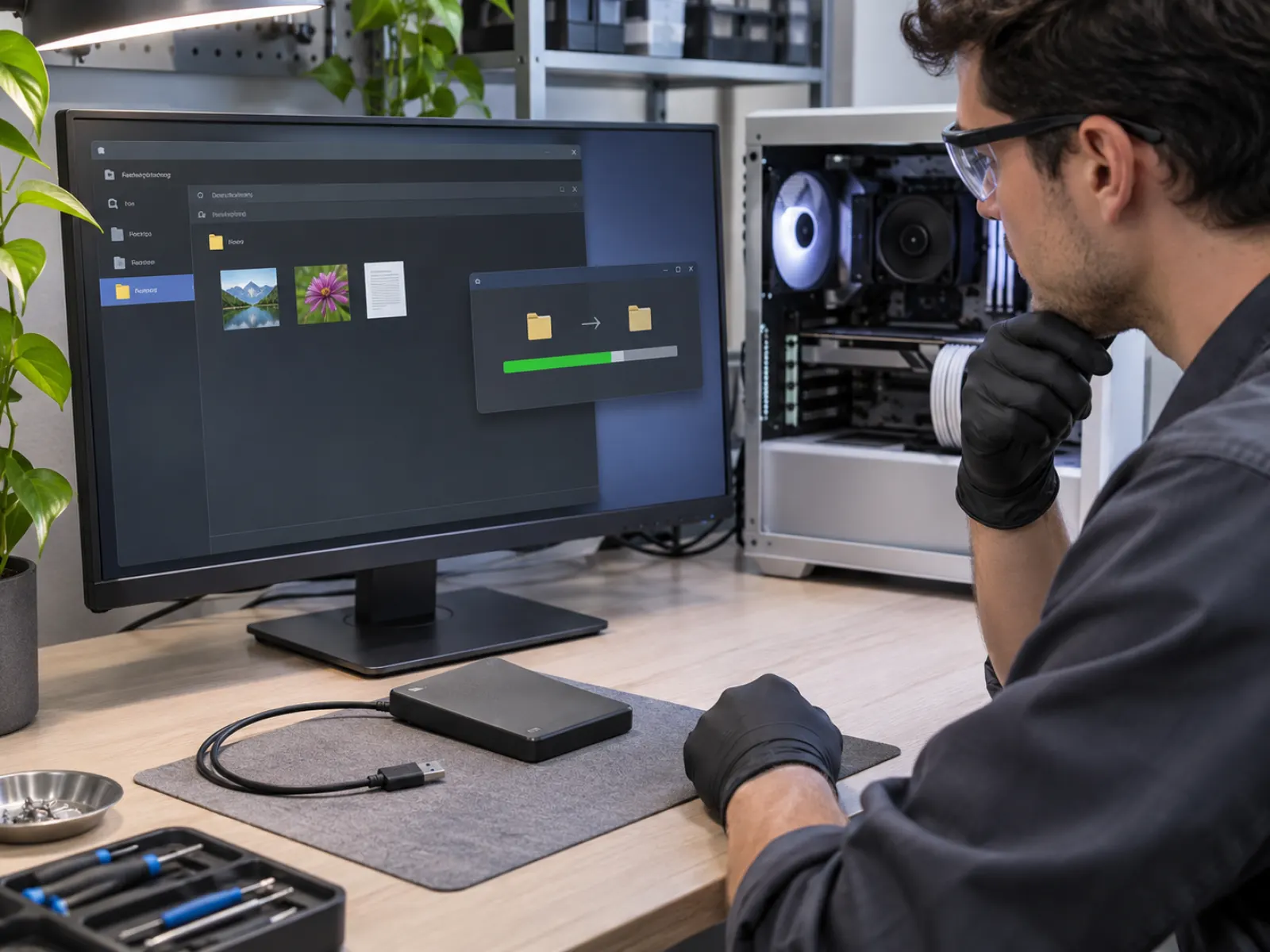
Check whether a backup is safe and usable
A backup is a recovery source only if it predates the infection, contains the needed files, and has not been exposed to the same write access. Check its date and scope from a clean device or a trusted backup console. Prefer an offline or access-controlled copy that was disconnected before the incident. A continuously synchronized folder may have replicated encrypted or deleted files; inspect version history and recovery retention rather than assuming sync is enough.
Before reconnecting any backup to a rebuilt system:
- Confirm the backup timestamp against the incident timeline.
- Check whether the backup account, NAS, or cloud console shows unusual sign-ins or deletion events.
- Use vendor or responder guidance to scan and validate the source when appropriate.
- Test a small, noncritical file on a clean machine or isolated recovery environment.
- Keep an untouched copy of the original backup if evidence preservation matters.
Choose a recovery route
Restore from a known-good backup
If a clean copy exists, use the vendor’s documented recovery process after the affected system has been isolated and rebuilt or declared clean by a qualified responder. Restore operating-system images and essential services first for organizations, then restore prioritized data in a controlled order. For a personal PC, reinstall or reset Windows from trusted media when needed, update it, install security software, and restore only the files you need. Keep the backup disconnected until the destination is ready.
Use version history or cloud recovery
For OneDrive, Google Drive, Dropbox, or another cloud service, use its official restore or version-history controls from a known-clean device. Check account security, revoke suspicious sessions, and check that the provider’s retention window includes a pre-incident version. Do not assume that a synced folder is a separate backup or that every file type has the same version history.
When no clean backup is available
Stop modifying the affected storage. Check whether an official decryptor exists for the identified family using reputable government or security-vendor resources. A decryptor may not exist, may not support the specific variant, or may fail if files are damaged. For valuable data, ask a reputable incident-response or data-recovery provider to assess options before reinstalling or formatting. Do not pay an unknown “recovery agent” that contacted you unsolicited.
Should you pay the ransom?
Payment is not a dependable recovery method. The FBI’s IC3 says paying does not guarantee data will be returned, and CISA’s guidance discourages payment. Even if a decryption tool arrives, it may be slow, incomplete, or unable to restore damaged files; attackers may retain or sell stolen data. Payment also does not remove an attacker’s access or repair the vulnerability used to get in.
For an organization, payment decisions involve leadership, legal counsel, law enforcement, insurers, and sanctions screening. Do not make a transfer based solely on a countdown timer or a promise from a chat account. Individuals should also avoid transmitting identity or payment details to unverified contacts. Report the incident through official channels where appropriate; IC3 accepts reports of ransomware crime in the United States.
Restore in a controlled order
- Use a separate, known-clean device to change important credentials, starting with email, password manager, cloud storage, and administrator accounts. Enable multifactor authentication and revoke unfamiliar sessions.
- Rebuild or validate the operating system from trusted installation or recovery media. Apply security updates and restore endpoint protections before reconnecting shares.
- Confirm that the access path, vulnerable software, exposed remote access, or compromised account that enabled the incident has been addressed with qualified help.
- Reconnect to the network gradually. Restore one priority service or folder at a time and monitor security alerts and account activity.
- Restore data from the verified source. Scan files as appropriate, preserve an untouched backup, and test representative documents before broad use.
- Keep notes on what was restored, when, from which source, and what remains missing. Check business application data separately; a folder copy may not restore a database consistently.
Report the incident and retain useful records
In the United States, the FBI’s Internet Crime Complaint Center (IC3) accepts ransomware incident reports and asks for details such as the known variant, file extension, attacker contact information, and payment demand. Preserve the ransom note, suspicious emails, timestamps, affected device list, and relevant logs in a safe location. Businesses should follow their contractual, insurance, regulatory, and state breach-notification requirements with qualified counsel; deadlines and obligations depend on the facts and jurisdiction.
Reporting is not a promise of immediate decryption, but it can help authorities link incidents and provide guidance. Do not upload confidential business files or private data to a public analysis service unless the organization’s incident lead has approved that disclosure.
After recovery: prevent a repeat
- Keep operating systems, applications, browsers, and firmware supported and updated.
- Use a standard account for daily work and protect administrator access.
- Use multifactor authentication, especially for email, remote access, cloud storage, and backup consoles.
- Keep at least one backup copy offline or protected from routine write access; check completion and test restoration regularly.
- Review remote access, shared-folder permissions, and account activity. Remove unused access.
- Write down a recovery sequence and contacts before the next incident. For a deeper prevention plan, use CISA’s official ransomware guide.
If the incident instead concerns a drive that is physically failing or missing from Windows, avoid formatting it and consult our external drive data recovery guide.
Separate encryption from data theft
A ransom note cannot tell you the complete scope. Some incidents encrypt files; others also copy data and threaten to publish it, while some use stolen credentials or remote access without obvious encryption. Treat the note as one clue, not proof of everything that happened. Review account sign-ins, endpoint alerts, file-sharing activity, and unusual outbound transfers with a qualified responder. Do not upload private files to a public “ransomware identifier” site to guess the family.
This distinction changes the recovery plan. Restoring encrypted files may bring back availability, but it does not undo a data disclosure, reset stolen credentials, or remove persistence from a compromised account. If sensitive or regulated information may have been accessed, preserve records and get legal and security advice about notice obligations. For a home user, secure the primary email and cloud accounts from a clean device, review active sessions, and contact the provider through its official support channel if access changed.
Also distinguish a single endpoint from a network incident. A laptop with only local files may need a clean rebuild and a backup restore. A business with shared drives, identity services, or cloud workloads needs coordinated containment and a prioritized recovery plan; restoring one workstation while the attacker still has access can expose the restored data again.
This comparison covers recovery routes, not a ranking of paid tools. Avoid generic fixes that erase evidence or write over the only recovery source.
FAQ
Should I turn off a computer infected with ransomware?
Disconnect it from networks and shared storage first if possible. CISA cautions that powering down can erase volatile evidence and recommends doing so only if the device cannot otherwise be isolated. If spread is active and you cannot disconnect it, prioritize containment and call a qualified responder.
Can I restore files while the ransom note is visible?
Do not restore onto a device that may still be infected. Isolate it, assess the scope, and prepare a clean destination before using a verified backup.
Will a cloud-synced folder recover my files?
Maybe. Use the provider’s official version history or restore feature and check that an unencrypted pre-incident version is still retained. Sync alone can copy unwanted changes to the cloud.
Can antivirus remove ransomware and restore encrypted files?
Security software may detect or remove some malicious components, but it cannot necessarily decrypt files. Identify the incident and choose a verified backup or a supported recovery route.
Are ransomware recovery services trustworthy?
Some incident-response firms provide legitimate assistance, but unsolicited recovery offers can be scams. Check the provider independently, avoid giving remote access or payment details to an unverified contact, and ask about evidence handling and written scope.
Missing test info: no affected device, ransomware family, backup source, or recovery outcome was supplied or tested for this guide. Follow an organization’s incident plan and qualified responder instructions for an active incident.
Official sources
- CISA: #StopRansomware Guide (consulted November 9, 2026).
- CISA: Ransomware Response Checklist (consulted November 9, 2026).
- FBI Internet Crime Complaint Center: Ransomware (consulted November 9, 2026).
- CISA: StopRansomware resources and guidance (consulted November 9, 2026).
Soyez le premier à laisser un commentaire.