A Wi-Fi 6E router adds access to the 6 GHz band, but your device must also support Wi-Fi 6E. Check the router, each client (computer or phone), and your country’s radio rules separately. If your current devices support only 2.4 and 5 GHz, a new router will not give them a 6 GHz connection.
6 GHz can provide more available channels where local rules allow them, but useful range depends on the home, obstacles, channel, and client devices. This guide helps you check compatibility and compare options; it is not a measured speed test in your home.
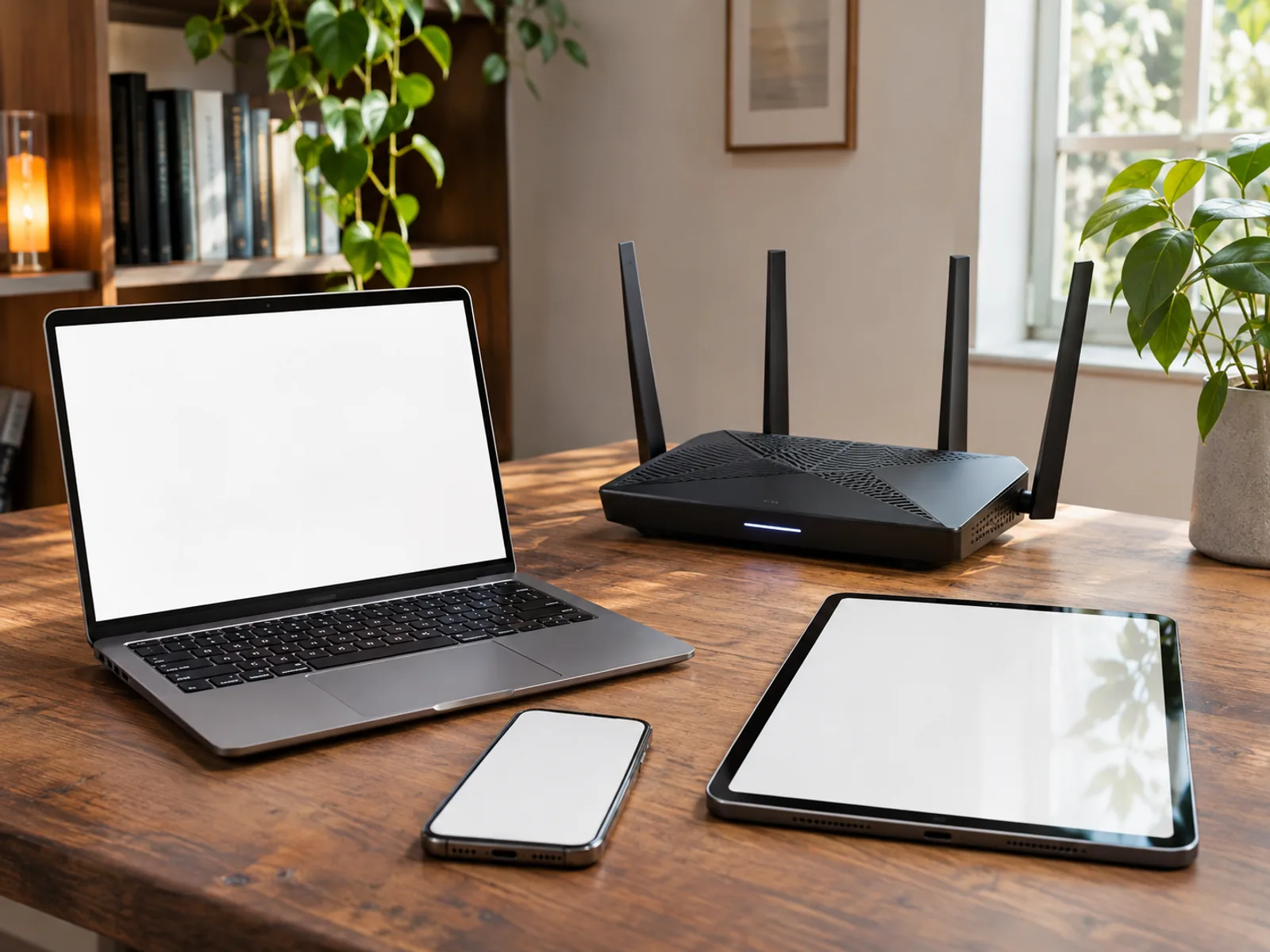
Wi-Fi 6 vs. Wi-Fi 6E: the practical difference
Wi-Fi 6 (802.11ax) uses the 2.4 and 5 GHz bands. Wi-Fi 6E extends that generation to 6 GHz. A 6E router and a 6E client are both required for a 6 GHz connection; older devices can continue to use the bands they support. Wi-Fi 7 devices may also support 6 GHz, depending on their model and configuration.
Channel and transmit-power availability depends on local radio rules. Do not select another country in settings to bypass them. Check the exact model specification too: “Wi-Fi 6” alone does not mean 6 GHz support.
Check your devices before you buy
- Record the full router model number. Look for “Wi-Fi 6E” or “6 GHz” in the manufacturer’s official specification. A network name or Wi-Fi 6 logo is not enough.
- Check each important client. Review the official specs for your laptop, phone, tablet, or Wi-Fi card. A compatible card may also require an antenna and integration supported by the computer maker.
- Check the operating system and driver. For Intel products, 6 GHz access depends on adapter model, driver, Windows version, and system-maker configuration. Intel’s instructions for its Wi-Fi 6E adapters cite Windows 11 and a compatible driver; do not apply those exact requirements to other chip makers.
- Check the router’s regional version. Confirm that the model sold in your country enables 6 GHz and that its software is current.
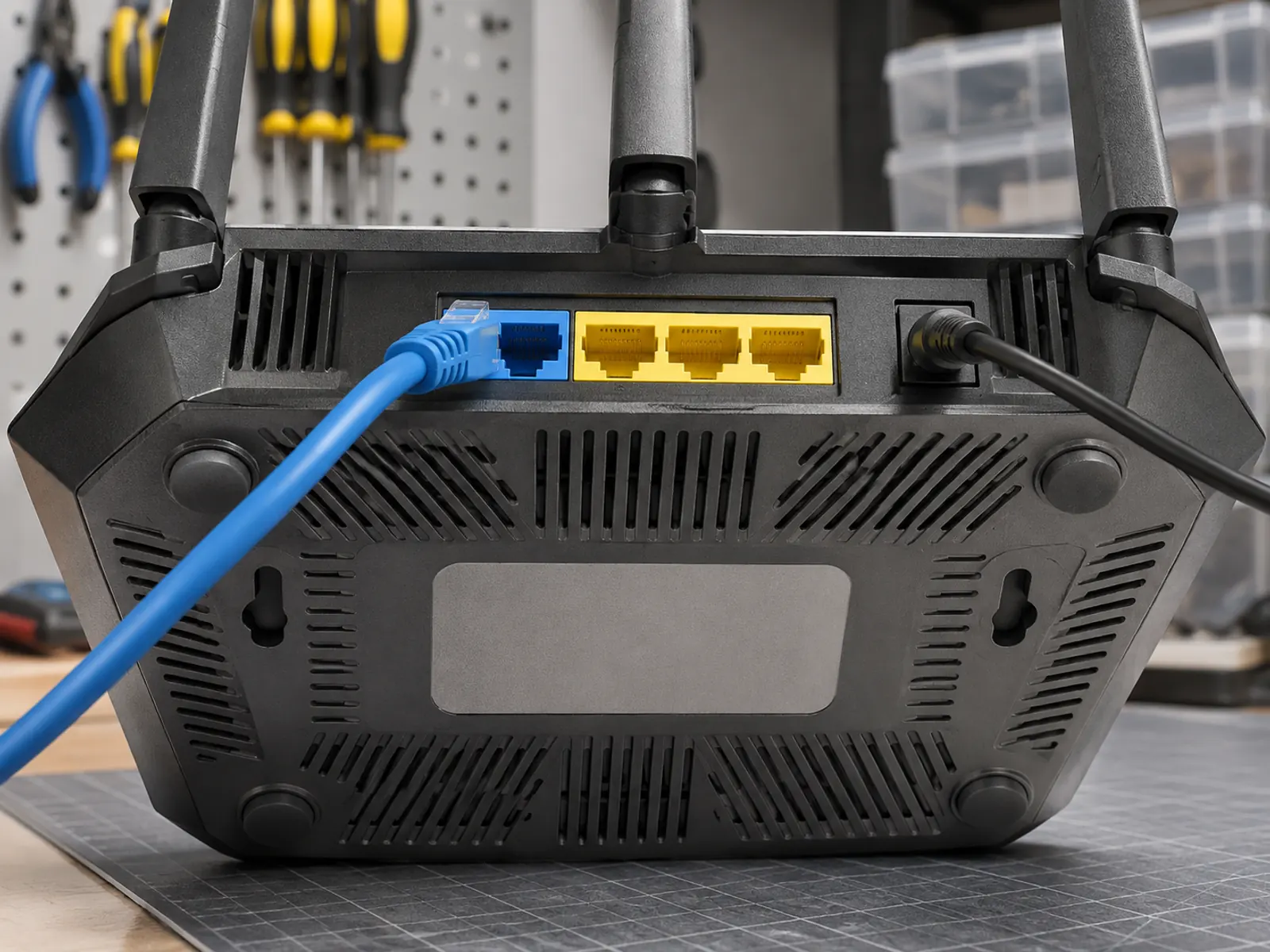
If the 6 GHz network does not appear
First confirm that the router broadcasts 6 GHz and that the client supports it. Check system and driver updates from the computer or Wi-Fi card maker, then restart the router and client. Compare the configured region and channel with local rules and the manufacturer’s guidance. If only one device cannot see the network, start with that device’s compatibility and driver.
Do not change advanced settings at random. Intel’s official guide lists software requirements for its adapters and may require product-specific driver versions. For another chip maker, use that maker’s own documentation.
Does 6 GHz fit your home?
For a fair comparison, test the same client in the same location and note which band it joins. Do not compare a phone connected to 6 GHz in the same room with a laptop on 5 GHz across two walls; the device, distance, and band all changed. Router apps may show the client band, but the display varies by manufacturer. A speed result also depends on the internet plan and the remote test server.
If your main goal is wider coverage, first map where the connection becomes unreliable and identify whether the router can be moved or a wired access point can be added. A newer band does not repair a weak backhaul, a congested placement, or a client with an older radio. Keep the existing router until the devices and rooms that matter justify a replacement.
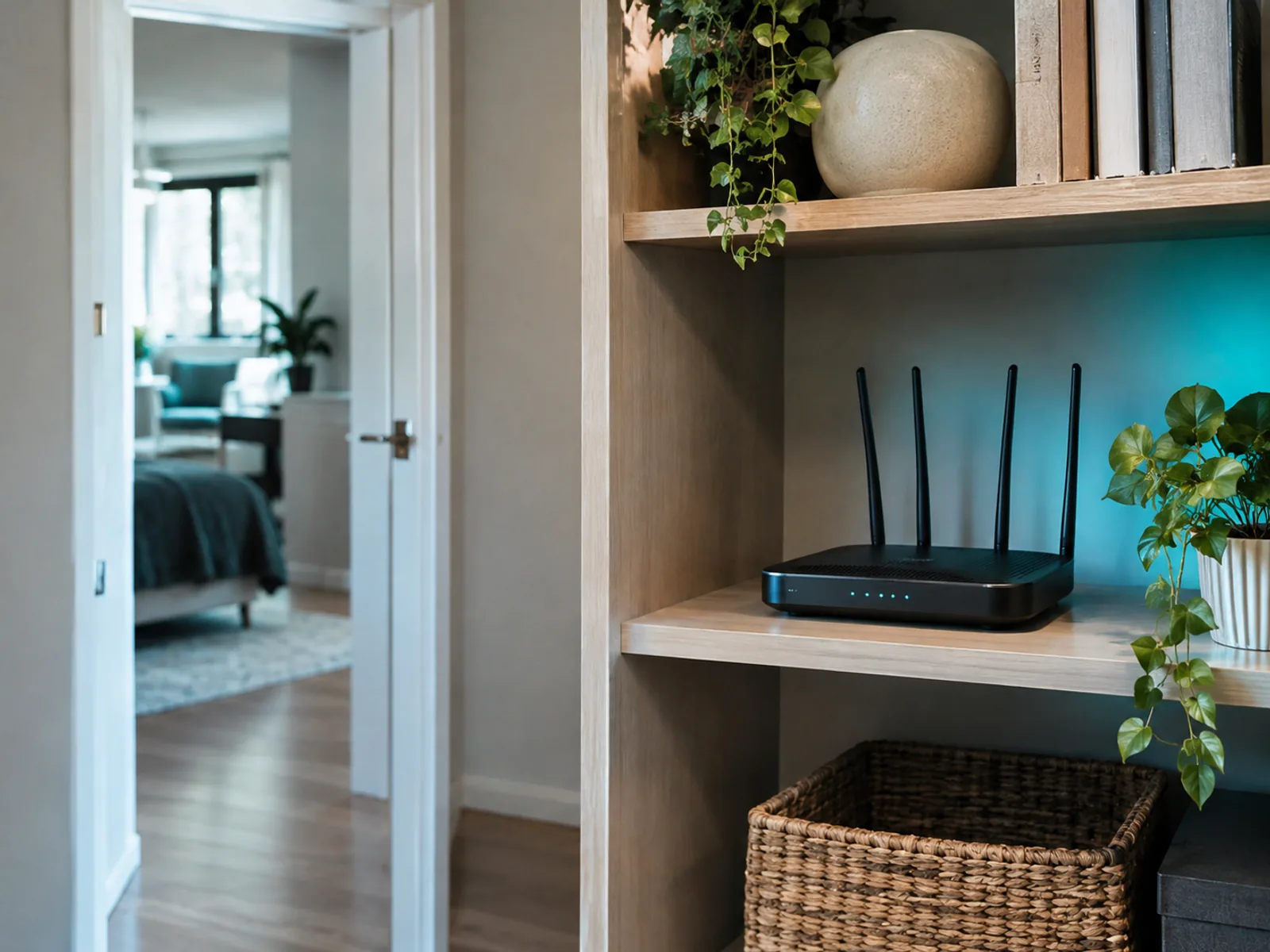
The extra band is most useful when you already own compatible clients, the router can reach them where you use them, and you need more wireless capacity. A wall, floor, or long distance can weaken the signal; test the intended location before expecting the same coverage as lower bands. A mesh system or wired access point may be a better fit for extending coverage.
Compare features, not just generations. As a dated U.S. example, the ASUS page checked on November 16, 2026 listed the RT‑AXE7800 Wi-Fi 6E at $279.99 and the RT‑BE92U Wi-Fi 7 at $299.99. These displayed prices can change; the models do not have identical configurations, ports, coverage, or features. Check the model page and local price before buying.
Separate connection problems
| Symptom | Possible cause | Next check |
|---|---|---|
| No device sees the 6 GHz network | Band disabled, regional setting, or incompatible model | Check the regional model specification and router Wi-Fi settings. |
| One device cannot see it, while others can | Client not 6E, driver, or operating-system requirement | Record its Wi-Fi adapter and check the client maker’s documentation. |
| Client connects near the router but not in another room | Distance, walls, or router location | Compare at the same spot on another band, then test a better-placed access point. |
| Existing Wi-Fi 6 is slow on Windows | A different issue from 6E compatibility | Use our Windows 11 slow Wi-Fi 6 troubleshooting guide. |
Frequently asked questions
Will a Wi-Fi 6E router make a Wi-Fi 6 device faster?
Not on 6 GHz if the device does not support Wi-Fi 6E. It can connect to the router on a supported band, but results depend on the client and network.
Does Wi-Fi 6E work with a Wi-Fi 5 device?
A multiband router can generally serve 2.4 or 5 GHz clients that it supports, depending on configuration. A Wi-Fi 5 client cannot connect on 6 GHz.
Why does my PC not show the 6 GHz network?
The PC may have a non-compatible adapter, a driver or operating system that does not meet requirements, or a system-maker restriction. Check the adapter model and instructions for the exact computer.
Does Wi-Fi 6E replace a mesh system?
No. The 6 GHz band adds a connection option, but it does not remove coverage limits from walls and distance. A mesh link or wired access point may still help in a larger home.
Next step
If Wi-Fi connects but has no internet access, follow our Wi-Fi connected but no internet guide. For a smart device limited to 2.4 GHz, see our smart plug Wi-Fi troubleshooting guide. For display brightness variations, use our monitor gradient test.
Sources
- Intel, enabling 6 GHz band with Wi-Fi 6E/7 products, accessed November 16, 2026.
- Intel, Wi-Fi 6, 6E, and 7 band-support differences, accessed November 16, 2026.
- ASUS, difference between Wi-Fi 6 and Wi-Fi 6E, updated July 31, 2026; accessed November 16, 2026.
- ASUS, U.S. router lineup and listed prices, accessed November 16, 2026.
- FCC, announcement on U.S. 6 GHz band use, December 11, 2024; accessed November 16, 2026.
Last updated: November 16, 2026.
Be the first to leave a comment.